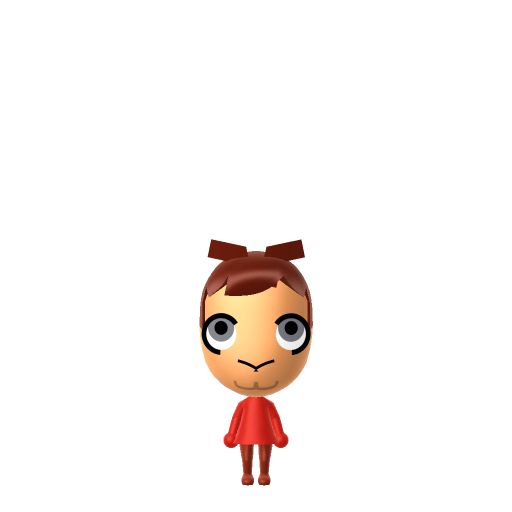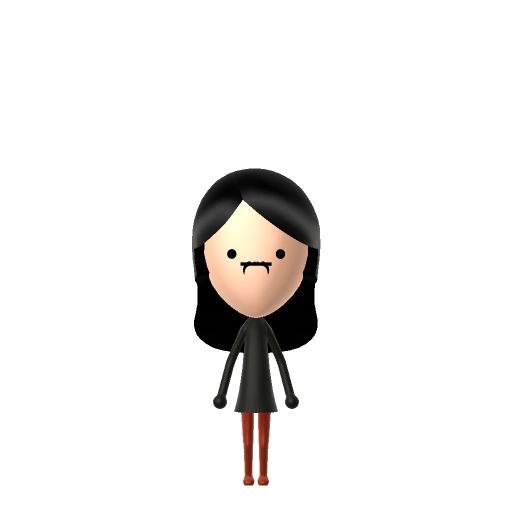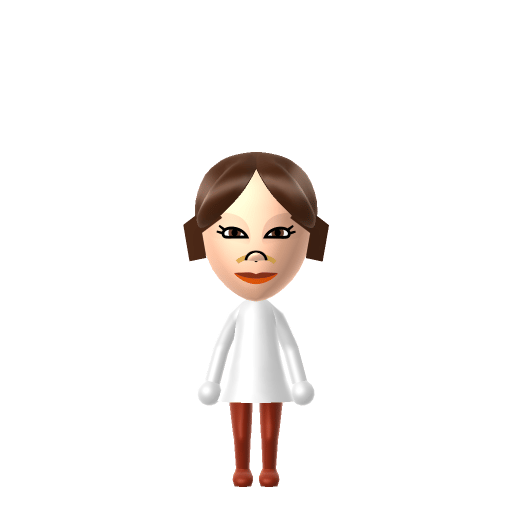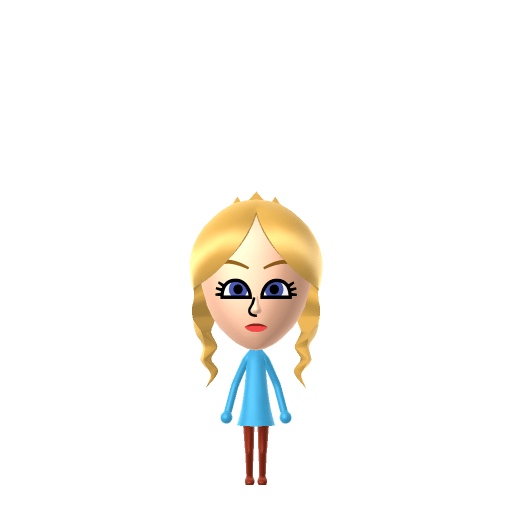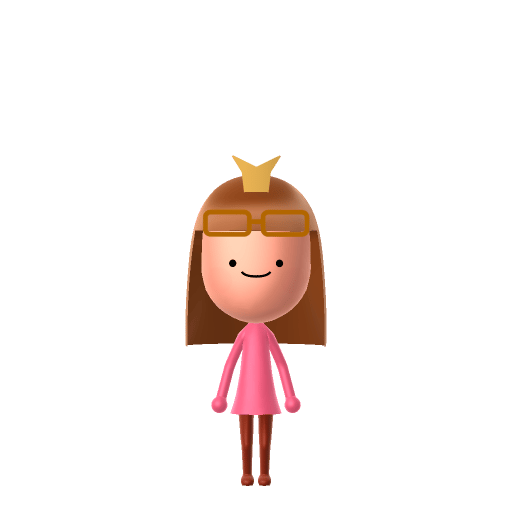
Hello Kitty (in-universe full name Kitty White) is a fictional character created by Yuko Shimizu and currently designed by Yuko Yamaguchi for the Japanese company Sanrio. Introduced in 1974–75, she is a gijinka — an anthropomorphic personification of a Japanese Bobtail cat — depicted as a cheerful little girl who loves baking and making friends. Her canonical birthday is November 1, and she anchors one of the highest-grossing media franchises of all time.

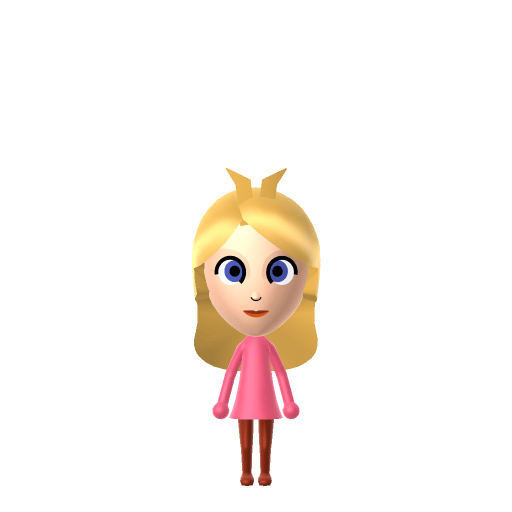
Hello Kitty Mii for Tomodachi Life
Sanrio's world-famous bow-wearing cat — reimagined as a sweet, human-form island Mii.
Hello Kitty Mii Quick Facts
Hello Kitty Mii — birthday & height at a glance
- Birthday
- November 1
- Height
- 5 apples tall (Sanrio's official measure)
Set Hello Kitty's Mii birthday to November 1 in Mii Maker — Tomodachi Life: Living the Dream uses birthdays to drive the zodiac compatibility meter on your island.
About the Hello Kitty Mii
Recommended personality for your Hello Kitty Mii: Sweetie
Deeply empathetic and highly in tune with others' feelings. These Miis prioritize emotional awareness and caretaking above all else.In Tomodachi Life, set this Mii's sliders so Speech + Movement totals 0–3 and Thinking + Energy totals 12–15. See the full Sweetie guide →
Why this fitsSanrio writes Hello Kitty as a warm, gentle girl whose whole world is baking treats and making friends — she's defined by kindness rather than ambition or noise. That caring, soft-spoken warmth is the heart of Sweetie (low Speech + Movement, high Thinking + Energy).
How to Make a Hello Kitty Mii in Tomodachi Life
Mii Maker builds human-style Miis, so this is an inspired-by, human-form Hello Kitty: in Tomodachi Life: Living the Dream, pick a soft round face, fair skin, a small button mouth, and a pink colour theme to echo her signature look, then add her trademark red bow as an in-game accessory. The picker-by-picker walkthrough below works for both Nintendo Switch (LTD) and 3DS (original Tomodachi Life).
Use the system Mii Maker, then bring the Mii into Tomodachi Life: Living the Dream.
Body & Build
- 1Set gender to "Female".
- 2Set birth month to 6.
- 3Set birthday to 17.
- 4Set favorite color to pink.
- 5Set height to 0%.
- 6Set weight to 35%.
Face Shape & Skin
- 7Set face type.
Hair
- 8Set hair style.⋯⋯Row 7 · Column 6
Eyes
- 9Set eyes.⋯⋯Row 8 · Column 5
- 10Make eyes 2 larger.
- 11Rotate outer edge of the eyes all the way down, then rotate it 3 ticks back up.
- 12Move eyes 2 further apart.
- 13Move eyes 2 ticks down.
Eyebrows
- 14Set eyebrows.⋯⋯Row 4 · Column 6
- 15Set eyebrows color in the expanded colors menu.
- 16Make eyebrows 1 larger.
- 17Rotate outer edge of the eyebrows 2 ticks up.
- 18Move eyebrows 3 further apart.
- 19Move eyebrows 8 ticks down.
Nose
- 20Set nose.⋯Row 1 · Column 6
- 21Make nose 2 smaller
- 22Move nose 6 ticks down.
Mouth
- 23Set mouth.⋯⋯Row 3 · Column 3
- 24Make mouth 1 smaller
- 25Unsquash the mouth 1 to the right.
Facial Hair
- 26Make mustache 4 larger.
- 27Move mustache 6 ticks down.
Diagrams show where the option sits in the Mii Maker picker (4 columns, scroll to reach later rows). Editor menus differ slightly between regions and console revisions — if an exact option is missing, pick the closest one.
Mii Studio data code
Hello Kitty's full appearance as a Mii Studio data string. Drop it into Mii rendering tools or community Mii editors that accept Studio codes (it's not a console import — for the game itself use the steps above).
08002d030803060e040e030808051705120000090007010804000a0100220004000214041303020d08001002000f
Scan this Hello Kitty Mii QR code
This is a 3DS-format Mii QR code generated from Hello Kitty's Mii data. On a Nintendo 3DS, open Mii Maker → QR Code / Image Options → Scan QR Code and point the camera at it, then bring the Mii into the original Tomodachi Life. The Switch / Switch 2 has no camera, so it can't scan Mii QR codes — for Tomodachi Life: Living the Dream use the step-by-step instructions above (or the online Mii creator).
Download QR codeWhat Mii Maker can't do for your Hello Kitty Mii
- Mii Maker can’t
Her famous lack of a mouth
Closest you can getHello Kitty has no mouth by design — but every Mii must have one. Pick the smallest, most neutral mouth available and let the red bow and round face carry the likeness.
- Mii Maker can’t
Cat whiskers and ears
Closest you can getShe's a cat-motif character, and Mii Maker has no whiskers or animal ears. This is necessarily a human-form "inspired by" Mii; the red bow plus a pink theme is what flags her as Hello Kitty.
Get the Hello Kitty Mii look
Build cheat-sheet
Feature → the move to make in Mii Maker
- Face
A soft, round face with fair skin — pick the roundest face shape and a pale skin tone for her gentle look.
- Eyes
Simple, wide-set oval black eyes — choose small, plain dark eyes rather than detailed ones.
- Expression
Keep it sweet and neutral — a tiny closed smile reads best for a character defined by calm warmth.
- Colour
Set a soft pink colour theme after import, and add her trademark red bow as an in-game accessory.
Pair your Hello Kitty Mii with
Dear Daniel
Her childhood friend and canonical boyfriend, introduced by Sanrio in 1999 — a natural Sweethearts candidate to recreate alongside her.
Mimmy
Her twin sister, who wears a yellow bow on her right ear where Kitty wears a red bow on her left.
Recreate Dear Daniel and Mimmy as island residents for the full Sanrio set — but Tomodachi Life: Living the Dream decides relationships its own way. Friendships grow from proximity and shared time, and romance runs on dating preferences, random crushes and zodiac/birthday compatibility, so the game won't import the canon couple; house them close and let LTD's matchmaking play out.
Did you know? — Hello Kitty Mii
Hello Kitty has no mouth on purpose — Sanrio has said it lets people project their own feelings onto her, so she "speaks from the heart."
She isn't quite a pet cat: in 2014 Sanrio clarified she's a little girl character — full name Kitty White — drawn in the motif of a cat.
She has a twin sister, Mimmy, who wears a yellow bow on her right ear while Hello Kitty wears a red bow on her left.
Sanrio's official bio gives her height as "five apples" and weight as "three apples," with a November 1 birthday and a home in the suburbs of London.
Hello Kitty Mii on your island
A Sweetie Hello Kitty is the gentle friend-to-everyone resident — soft-spoken, agreeable, and quick to climb from Strangers to Best Friends. LTD grows friendships through proximity and repeated conversations rather than personality scores, so place her centrally and she becomes a natural social hub, and an Apartment with a same-personality roommate suits her, since the game notes that similar Miis get along more easily. Give her a sweet catchphrase in your island's player-written Island Lingo to match her warmth.
Hello Kitty Mii — FAQ
How do I deal with Hello Kitty having no mouth?
Every Mii is required to have a mouth, so you can't reproduce her mouthless design exactly. Pick the smallest, most neutral mouth and lean on her red bow, round face and pink colour scheme — together they read as Hello Kitty even with a mouth present.
Is Hello Kitty a cat or a girl?
Sanrio's official position is that she's a little girl character drawn in the motif of a cat, not a literal pet. Since Mii Maker builds human-style Miis, this guide makes a human-form, inspired-by version with her bow added in-game.
What personality should I give a Hello Kitty Mii?
Sweetie fits her best — set low Speech + Movement with high Thinking + Energy in the panel above. It matches the warm, caring, soft-spoken girl Sanrio writes, whose whole world is baking and making friends.
Can I add Dear Daniel as her Sweetheart?
You can recreate Dear Daniel, her canonical boyfriend, and house him nearby — but LTD decides romance through dating preferences and zodiac/birthday compatibility, not canon. Set the stage and the game's matchmaking takes it from there.
Sources: WikipediaCharacter facts are grounded in the source(s) above; Mii-Maker mapping is our own craft guidance.
Have your own Mii?
Paste a Mii Studio code or upload a Mii QR image into the QR code Mii decoder to get this same step-by-step recreation guide for it.
Want to design your own?
Build a Mii from scratch in the online Mii creator, then bring its code here for rebuild steps.