Character File
Spider-Man is a superhero published by Marvel Comics, created by writer-editor Stan Lee and artist Steve Ditko. He first appeared in the anthology comic Amazing Fantasy #15 in the Silver Age of Comic Books.
Your friendly neighborhood web-slinger.
Spidey never stops quipping — give your Spider-Man Mii a bright, fast, upbeat voice on LTD's sliders so he sounds like he's cracking jokes mid-swing across your island.
Spider-Man is a superhero published by Marvel Comics, created by writer-editor Stan Lee and artist Steve Ditko. He first appeared in the anthology comic Amazing Fantasy #15 in the Silver Age of Comic Books.
Radiates effortless style and adapts to any situation with grace. Socially magnetic and naturally flexible.In Tomodachi Life, set this Mii's sliders so Speech + Movement totals 8–11 and Thinking + Energy totals 12–15. See the full Charmer guide →
Why this fitsSpider-Man is famous for quipping mid-fight and bantering with villains — his charm is as core as his web-slinging. That expressive, magnetic profile fits Charmer (mid Speech + Movement, high Thinking + Energy).
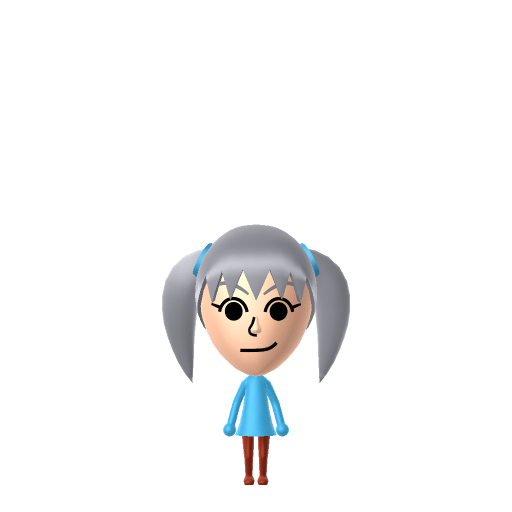
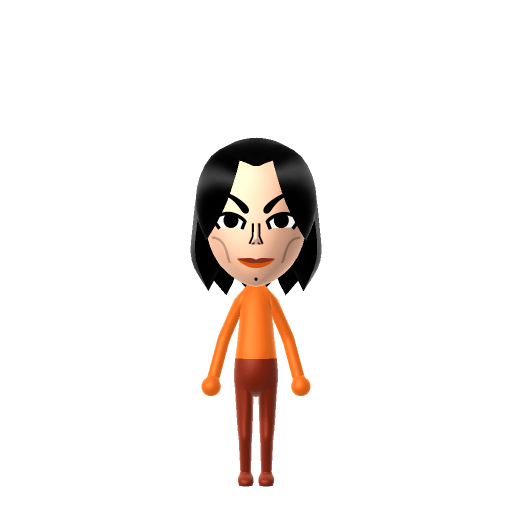
To make a Spider-Man Mii in Tomodachi Life: Living the Dream, open Mii Maker and pick a red-and-blue colour palette, a lean athletic frame, and a determined mouth — Mii Maker can't draw the full web-pattern mask, so colour and proportions stand in. The picker-by-picker walkthrough below works for both Nintendo Switch (LTD) and 3DS (original Tomodachi Life).
Use the system Mii Maker, then bring the Mii into Tomodachi Life: Living the Dream.
Diagrams show where the option sits in the Mii Maker picker (4 columns, scroll to reach later rows). Editor menus differ slightly between regions and console revisions — if an exact option is missing, pick the closest one.
Spider-Man's full appearance as a Mii Studio data string. Drop it into Mii rendering tools or community Mii editors that accept Studio codes (it's not a console import — for the game itself use the steps above).
0300000308070101000f030805070d01120400000900001204080a03001e000801080d031308080608000e000001
This is a 3DS-format Mii QR code generated from Spider-Man's Mii data. On a Nintendo 3DS, open Mii Maker → QR Code / Image Options → Scan QR Code and point the camera at it, then bring the Mii into the original Tomodachi Life. The Switch / Switch 2 has no camera, so it can't scan Mii QR codes — for Tomodachi Life: Living the Dream use the step-by-step instructions above (or the online Mii creator).
Download QR codeThe full web-pattern face mask
Mii Maker only builds humanoid faces and can't draw the webbing or cover the whole face, so a red-and-blue palette plus a lean build stands in — or build the unmasked Peter Parker and dress him in the suit.
The full-body spider suit
Mii Maker has no costume parts, so the red-and-blue suit and chest spider come from LTD's in-game clothing rather than the editor.
Build cheat-sheet
Feature → the move to make in Mii Maker
Red and blue is the entire read — set red as the favourite colour and lean on the red-and-blue suit from LTD's in-game clothing.
Keep a lean, athletic teenage-to-young-adult frame — Peter Parker is wiry, not bulky.
Behind the mask he's all heart and humour, so give the unmasked Peter a friendly, determined mouth and bright eyes.
Since the mask can't be built, lean into a Peter-Parker read: tidy brown hair and an everyman face, then let the red-and-blue outfit carry the hero side.
Spider-Man was created by writer-editor Stan Lee and artist Steve Ditko and first appeared in Amazing Fantasy #15, cover-dated August 1962.
Teenager Peter Parker gains his powers after being bitten by a radioactive spider — wall-crawling, super strength and a danger-sensing "spider-sense."
His guiding creed, "With great power there must also come great responsibility," is tied to the death of his Uncle Ben — the lesson that turns him into a hero.
He was groundbreaking as a teenage hero who was the lead rather than a sidekick, juggling super-heroics with money troubles and everyday problems.
Mary Jane Watson
Peter Parker's most famous love interest and longtime partner — his classic Sweethearts pairing ("Face it, Tiger… you just hit the jackpot!").
Green Goblin
Norman Osborn, his definitive archenemy — the rival whose feud with Spider-Man drives some of the saga's darkest turns.
Recreate Mary Jane and the Green Goblin as their own Miis and house them near your Spider-Man Mii to set up the romance and the rivalry — but Tomodachi Life: Living the Dream won't recreate either for you. Bonds there grow from proximity and shared time, and romance runs on dating preferences and zodiac compatibility, so how it all plays out is down to how you play.
A Charmer-type Spider-Man is the island's quick-witted social glue — expressive, magnetic and always ready with a one-liner, the resident who can talk to anyone. Charmers mix easily and room comfortably with a range of personalities, which suits LTD's roommate harmony. His love life, though, isn't something even spider-sense can predict: crushes in Tomodachi Life: Living the Dream run on dating preferences, random chance and birthday/zodiac compatibility — never personality — so give your Spider-Man a birthday, recreate Mary Jane nearby, and see whether the island throws him a jackpot.
Use a red-and-blue palette, a lean athletic build and a determined mouth, set red as the favourite colour, then add the suit with LTD's in-game clothing. Mii Maker can't draw the web-mask, so either lean on the colours or build the unmasked Peter Parker — follow the picker-by-picker steps above for Switch (LTD) or 3DS.
Not literally — Mii Maker only builds humanoid faces and can't draw the web pattern or cover the whole face. The two best routes are a red-and-blue colour read with a lean build, or building Peter Parker's everyman face and dressing him in the suit from LTD's in-game clothing.
Peter Parker, a teenager who gains spider powers from a radioactive bite. Because his face is ordinary and human, building the unmasked Peter is actually the easiest and most recognisable way to do a Spider-Man Mii.
Charmer fits best — set mid Speech + Movement with high Thinking + Energy in the panel above. It matches his quick-witted, banter-everyone charm that's as core to him as the web-slinging.
Sources: WikipediaCharacter facts are grounded in the source(s) above; Mii-Maker mapping is our own craft guidance.
Paste a Mii Studio code or upload a Mii QR image into the QR code Mii decoder to get this same step-by-step recreation guide for it.
Build a Mii from scratch in the online Mii creator, then bring its code here for rebuild steps.