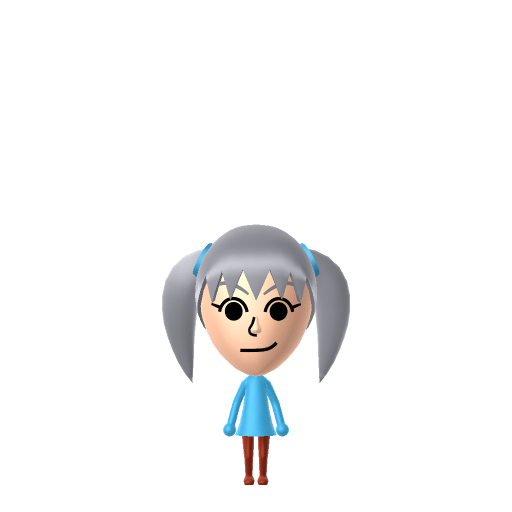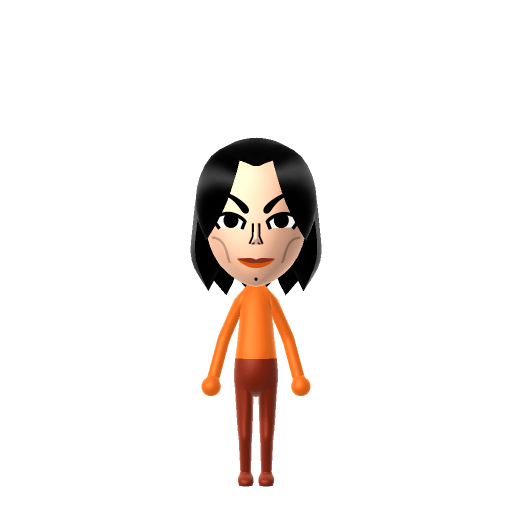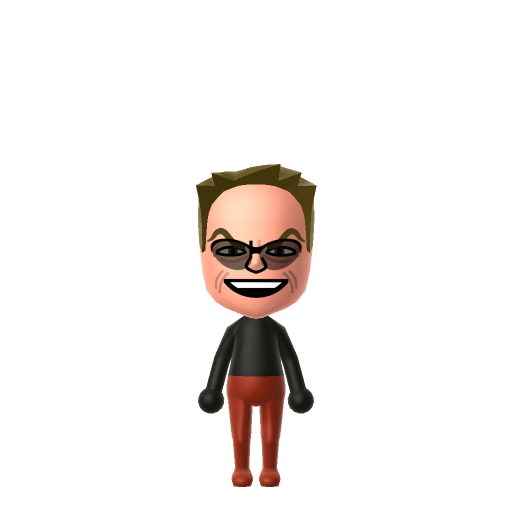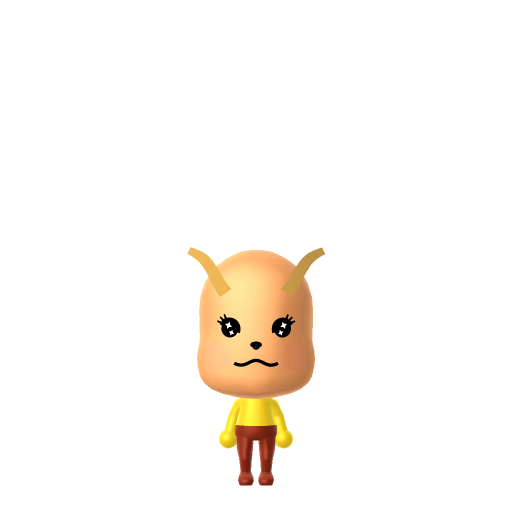
Pikachu is the mascot of the Pokémon franchise, first introduced in the 1996 video games Pokémon Red and Blue. Designed by Atsuko Nishida and finalized by Ken Sugimori, it has appeared in most Pokémon games since and is famously voiced by Ikue Ōtani.


Pikachu Mii for Tomodachi Life
The most famous Pokémon, always ready to battle.
About the Pikachu Mii
Pikachu Mii Quick Facts
Pikachu Mii — height & cast at a glance
- Height
- 1'4" (40 cm)→ convert to slider notchesSource: Pokédex (Mouse Pokémon, National No. 025)
- Voiced by
- Ikue Ōtani (anime, 1997–present)
Pikachu has no canonical birthday, but Pokémon Day is February 27 (the 1996 launch of Pokémon Red & Green) — set that on your Pikachu Mii in Mii Maker so Tomodachi Life: Living the Dream factors its zodiac into compatibility at Love Pondering.
Recommended personality for your Pikachu Mii: Charmer
Radiates effortless style and adapts to any situation with grace. Socially magnetic and naturally flexible.In Tomodachi Life, set this Mii's sliders so Speech + Movement totals 8–11 and Thinking + Energy totals 12–15. See the full Charmer guide →
Why this fitsPikachu is portrayed across the games and anime as energetic and emotionally expressive, frequently shown bonding quickly with allies and reacting visibly to every situation. That high-expressiveness profile fits Charmer (mid Speech + Movement, high Thinking + Energy).
How to Make a Pikachu Mii in Tomodachi Life
To make a Pikachu Mii in Tomodachi Life: Living the Dream, open Mii Maker and pick a yellow skin tone, large dot-style eyes, and rosy red cheek circles to translate Pikachu's iconic Pokémon look into Mii form — colour and eyes do the work since Mii Maker can't add ears or a tail. The picker-by-picker walkthrough below works for both Nintendo Switch (LTD) and 3DS (original Tomodachi Life).
Use the system Mii Maker, then bring the Mii into Tomodachi Life: Living the Dream.
Body & Build
- 1Set gender to "Male".
- 2Set birth month to 1.
- 3Set birthday to 4.
- 4Set favorite color to yellow.
- 5Set height to 0%.
- 6Set weight to 100%.
Face Shape & Skin
- 7Set face/skin color.
- 8Set face type.
- 9Set makeup.
Hair
- 10Set hair style.⋯⋯Row 9 · Column 6
- 11Set hair color in the expanded colors menu.
Eyes
- 12Set eyes.⋯⋯Row 8 · Column 4
- 13Make eyes 2 smaller.
- 14Rotate outer edge of the eyes all the way down, then rotate it 6 ticks back up.
- 15Move eyes 3 further apart.
- 16Move eyes 1 ticks down.
Eyebrows
- 17Set eyebrows.⋯⋯Row 3 · Column 6
- 18Set eyebrows color in the expanded colors menu.
- 19Make eyebrows 4 larger.
- 20Rotate outer edge of the eyebrows 4 ticks up.
- 21Move eyebrows 8 further apart.
- 22Move eyebrows 5 ticks up.
Nose
- 23Set nose.⋯Row 1 · Column 3
- 24Make nose 1 smaller
- 25Move nose 2 ticks up.
Mouth
- 26Set mouth.⋯Row 2 · Column 2
- 27Move mouth 2 ticks up.
Facial Hair
- 28Make mustache 4 larger.
- 29Move mustache 7 ticks up.
- 30Set beard color in the expanded colors menu.
Glasses
- 31Set glasses color in the expanded colors menu.
- 32Move glasses 5 ticks down.
Beauty Mark
- 33Turn mole on.
- 34Make mole 2 larger.
- 35Move mole 6 ticks to the right.
- 36Move mole 3 ticks up.
Diagrams show where the option sits in the Mii Maker picker (4 columns, scroll to reach later rows). Editor menus differ slightly between regions and console revisions — if an exact option is missing, pick the closest one.
Mii Studio data code
Pikachu's full appearance as a Mii Studio data string. Drop it into Mii rendering tools or community Mii editors that accept Studio codes (it's not a console import — for the game itself use the steps above).
07007f030806020a050d03070a08140a050101030002001104000f03001e0006010811031304080b080003030207
Scan this Pikachu Mii QR code
This is a 3DS-format Mii QR code generated from Pikachu's Mii data. On a Nintendo 3DS, open Mii Maker → QR Code / Image Options → Scan QR Code and point the camera at it, then bring the Mii into the original Tomodachi Life. The Switch / Switch 2 has no camera, so it can't scan Mii QR codes — for Tomodachi Life: Living the Dream use the step-by-step instructions above (or the online Mii creator).
Download QR codeGet the Pikachu Mii look
Build cheat-sheet
Feature → the move to make in Mii Maker
- Skin / colour
Pikachu is solid bright yellow, so set the most vivid yellow skin tone and make yellow the favourite colour — colour is the single strongest signal.
- Cheeks
His red electric-sac cheeks are iconic — use red blush/cheek makeup or rosy circular cheeks, placed high and round.
- Eyes & nose
Large round black dot eyes and a tiny nose keep the cute Pokémon proportions — pick big simple eyes and the smallest nose.
- Mouth
A small, open, cheerful mouth matches his upbeat 'pika!' expression.
What Mii Maker can't do for your Pikachu Mii
- Mii Maker can’t
Pointed ears with black tips
Closest you can getMii Maker has no animal ears, so the long black-tipped ears can't be built — the yellow colour and red cheeks have to carry the recognition instead.
- Mii Maker can’t
Lightning-bolt tail
Closest you can getMiis have no tail part, so the zig-zag tail is impossible to reproduce; lean entirely on the yellow palette and cheeks.
- Mii Maker can’t
Brown back stripes
Closest you can getThe two brown stripes on his back can't be added to Mii skin; a yellow outfit with brown accents added in-game is the closest nod.
Pair your Pikachu Mii with
Recreate Ash and house him next to your Pikachu Mii to rebuild the franchise's most famous duo — but Tomodachi Life: Living the Dream writes its own relationships. Friendships there grow from proximity and shared time, and romance runs on dating preferences, random crushes and birthday/zodiac compatibility, not canon, so the game won't recreate the partnership for you; you place them close and steer it.
Did you know? — Pikachu Mii
Pikachu is the Mouse Pokémon, National Pokédex No. 025, standing 0.4 m (1'4") tall and weighing 6.0 kg (13.2 lbs).
The name 'Pikachu' blends two Japanese onomatopoeia: pika (a sparkle or electric crackle) and chu (the squeak of a mouse).
Pikachu was designed by Atsuko Nishida, finalised by Ken Sugimori, and has been voiced by Ikue Ōtani since the anime began in 1997.
In the anime, Ash's Pikachu famously refuses to stay inside its Poké Ball, preferring to ride on his shoulder — a quirk set up in the very first episode.
Pikachu Mii on your island
A Charmer-type Pikachu is an easy-to-love island resident — expressive, warm and quick to brighten the Apartments. LTD grows friendships through proximity and repeated conversations rather than personality scores, so place your Pikachu Mii centrally and recreate Ash nearby for the classic duo. The franchise's most famous partnership won't auto-form, though: who any Mii befriends or falls for runs on time spent together, dating preferences and random crushes — on an island of up to 70 residents, your Pikachu might bond with someone from a completely different series, and the chaos is part of the charm.
Pikachu Mii — FAQ
How do you make a Pikachu Mii in Tomodachi Life?
Set a bright yellow skin tone and yellow favourite colour, add round red cheeks, large black dot eyes and a small cheerful mouth. Mii Maker can't add ears or a tail, so colour and cheeks carry the look — follow the picker-by-picker steps above for Switch (LTD) or 3DS.
Can Mii Maker give Pikachu his ears and tail?
No — Miis are humanoid, with no animal-ear or tail parts, so the pointed black-tipped ears and lightning-bolt tail can't be reproduced. The vivid yellow colour and red cheeks do the recognition work instead.
Does Pikachu have a birthday I can set?
There's no canonical character birthday, but Pokémon Day is February 27 (the 1996 launch of Pokémon Red & Green). Set that in Mii Maker and LTD will factor its zodiac into compatibility.
What personality should a Pikachu Mii have?
Charmer fits best — set mid Speech + Movement with high Thinking + Energy in the panel above. It matches Pikachu's expressive, quick-to-bond energy on your island.
Sources: WikipediaCharacter facts are grounded in the source(s) above; Mii-Maker mapping is our own craft guidance.
Have your own Mii?
Paste a Mii Studio code or upload a Mii QR image into the QR code Mii decoder to get this same step-by-step recreation guide for it.
Want to design your own?
Build a Mii from scratch in the online Mii creator, then bring its code here for rebuild steps.