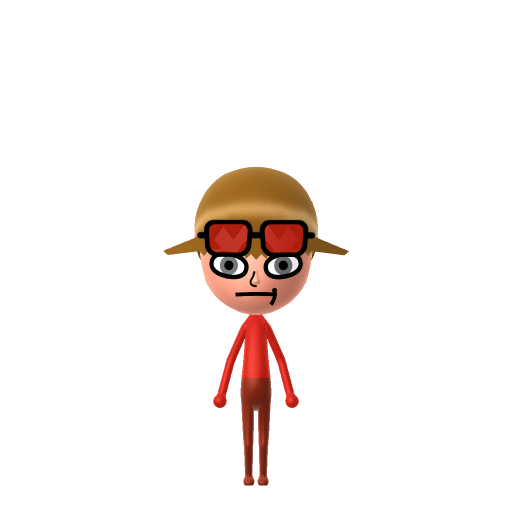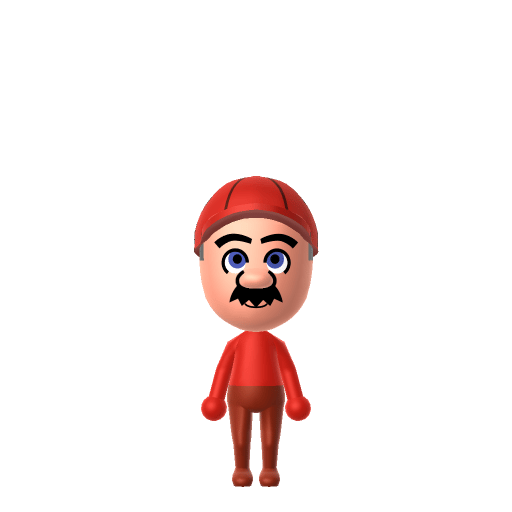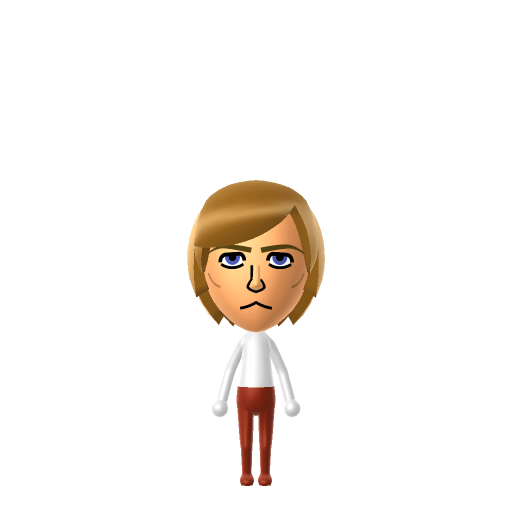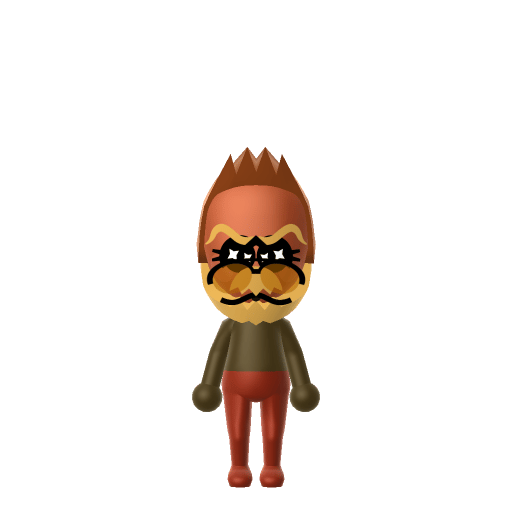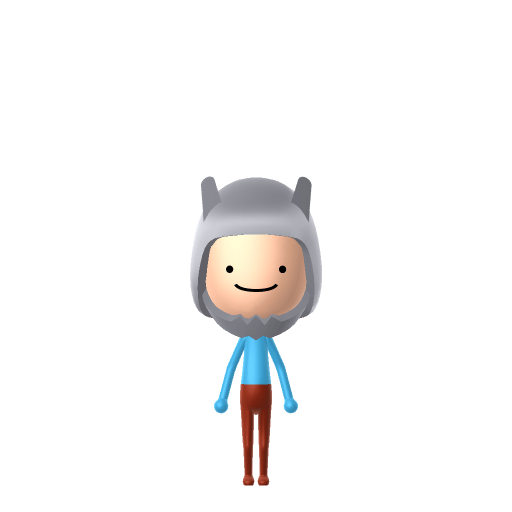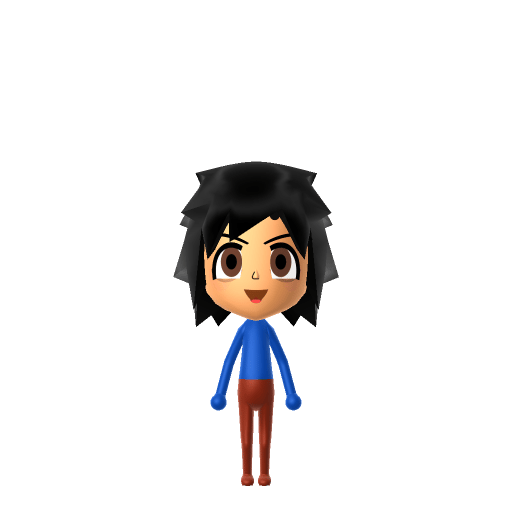
Ash Ketchum, known in Japan as Satoshi, is the main protagonist of the Pokémon animated series produced by OLM and aired since 1997. A 10-year-old aspiring Pokémon Master from Pallet Town, he travels across multiple regions with his starter Pikachu, and after 25 years of storylines is finally crowned Monarch of the World Coronation Series in the 2022–23 "Aim to Be a Pokémon Master" arc.

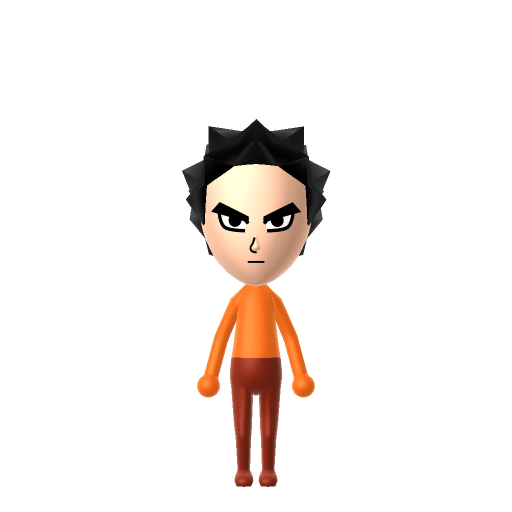
Ash Ketchum Mii for Tomodachi Life
The 10-year-old protagonist of the long-running Pokémon anime and Pikachu's lifelong partner.
Ash Ketchum Mii Quick Facts
Ash Ketchum Mii — age & cast at a glance
- Age
- 10 (perpetually)
- Voiced by
- Rica Matsumoto (Japanese); Veronica Taylor (English, 1998–2006); Sarah Natochenny (English, 2006–2023)
Ash never runs out of enthusiasm — give your Ash Ketchum Mii a bright, fast, determined voice on LTD's sliders so he sounds ready to take on any gym challenge your island throws at him.
About the Ash Ketchum Mii
Recommended personality for your Ash Ketchum Mii: Go-Getter
Bold and energetic, always pursuing the next goal with unmatched enthusiasm and determination.In Tomodachi Life, set this Mii's sliders so Speech + Movement totals 12–15 and Thinking + Energy totals 12–15. See the full Go-Getter guide →
Why this fitsAsh charges headlong into every gym, tournament, and Legendary encounter — loud, optimistic, and absolutely sure he and his Miis (er, Pokémon) can win this one. That high-energy, can-do profile fits Go-Getter (high Speech + Movement, high Thinking + Energy).
How to Make a Ash Ketchum Mii in Tomodachi Life
To make an Ash Ketchum Mii in Tomodachi Life: Living the Dream, open Mii Maker and shape a young face with messy spiky black hair, large round dark eyes, signature Z-shaped cheek marks if your version supports decals, and a determined grin, then add his red-and-white League cap and blue jacket colour scheme. The picker-by-picker walkthrough below works for both Nintendo Switch (LTD) and 3DS (original Tomodachi Life).
Use the system Mii Maker, then bring the Mii into Tomodachi Life: Living the Dream.
Body & Build
- 1Set gender to "Male".
- 2Set favorite color to blue.
- 3Set height to 68%.
- 4Set weight to 17%.
Face Shape & Skin
- 5Set face/skin color.
- 6Set face type.
- 7Set makeup.
- 8Set facial features/wrinkles.
Hair
- 9Set hair style.⋯⋯Row 6 · Column 5
- 10Set hair color in the expanded colors menu.
Eyes
- 11Set eyes.⋯Row 1 · Column 4
- 12Set eye color in the expanded colors menu.
- 13Make eyes 1 larger.
- 14Unsquash the eyes 3 to the right.
- 15Rotate outer edge of the eyes all the way down, then rotate it 3 ticks back up.
- 16Move eyes 2 further apart.
- 17Move eyes 3 ticks down.
Eyebrows
- 18Set eyebrows.⋯Row 1 · Column 2
- 19Set eyebrows color in the expanded colors menu.
- 20Make eyebrows 2 larger.
- 21Squash the eyebrows 3 to the left.
- 22Move eyebrows 2 ticks down.
Nose
- 23Set nose.⋯⋯Row 3 · Column 1
- 24Make nose 4 smaller
- 25Move nose 2 ticks down.
Mouth
- 26Set mouth.⋯⋯Row 3 · Column 6
- 27Set mouth color in the expanded colors menu.
- 28Make mouth 2 smaller
- 29Squash the mouth 3 to the left.
- 30Move mouth 2 ticks down.
Facial Hair
- 31Set mustache type.⋯Row 2 · Column 3
- 32Make mustache 3 larger.
- 33Move mustache 4 ticks up.
- 34Set beard color in the expanded colors menu.
Glasses
- 35Set glasses color in the expanded colors menu.
- 36Move glasses 10 ticks up.
Beauty Mark
- 37Turn mole on.
- 38Make mole 4 larger.
- 39Move mole 9 ticks to the right.
- 40Move mole 17 ticks up.
Diagrams show where the option sits in the Mii Maker picker (4 columns, scroll to reach later rows). Editor menus differ slightly between regions and console revisions — if an exact option is missing, pick the closest one.
Mii Studio data code
Ash Ketchum's full appearance as a Mii Studio data string. Drop it into Mii rendering tools or community Mii editors that accept Studio codes (it's not a console import — for the game itself use the steps above).
030015060a030508040f0008060600020c0101040505000f0400000800495608010b03001502040f070506000d0b
Scan this Ash Ketchum Mii QR code
This is a 3DS-format Mii QR code generated from Ash Ketchum's Mii data. On a Nintendo 3DS, open Mii Maker → QR Code / Image Options → Scan QR Code and point the camera at it, then bring the Mii into the original Tomodachi Life. The Switch / Switch 2 has no camera, so it can't scan Mii QR codes — for Tomodachi Life: Living the Dream use the step-by-step instructions above (or the online Mii creator).
Download QR codeGet the Ash Ketchum Mii look
Build cheat-sheet
Feature → the move to make in Mii Maker
- Hair & face
Give him a young face with messy, spiky black hair and large round dark eyes — bright, eager and ready to go.
- Cheek marks
His signature Z-shaped marks sit one on each cheek; if your editor's makeup or cheek options allow it, add them — otherwise the cap and hair carry the look.
- Cap
His red-and-white League cap is essential — add the closest baseball cap accessory in red and white.
- Outfit & colour
Dress him in his blue jacket using LTD's in-game clothing and set blue as the favourite colour. He's a human kid, so the Mii builds easily with standard parts.
Did you know? — Ash Ketchum Mii
In Japan he's known as Satoshi — named after Pokémon creator Satoshi Tajiri, while his English surname "Ketchum" plays on the franchise slogan "Gotta catch 'em all."
He stayed a 10-year-old aspiring Pokémon Master for 25 years of episodes before finally being crowned Monarch of the World Coronation Series in the 2022–23 arc.
His starter Pikachu famously refuses to stay in its Poké Ball and has never evolved into Raichu — the duo became the face of the whole franchise.
After his championship, Ash stepped down as the anime's protagonist in 2023, handing the series over to new leads Liko and Roy.
Pair your Ash Ketchum Mii with
Pikachu
His first partner Pokémon and inseparable companion across the whole anime — the duo that became the face of the franchise.
Misty & Brock
His original travelling companions through the early regions — the friends who rounded out the classic trio.
Recreate Pikachu and his travelling companions as their own Miis and house them near your Ash Ketchum Mii to rebuild the journey — but Tomodachi Life: Living the Dream won't recreate the adventure for you. Friendships there grow from proximity and shared time, and romance runs on dating preferences and zodiac compatibility, so who Ash teams up with on your island is down to how you play.
Ash Ketchum Mii on your island
A Go-Getter-type Ash Ketchum is the island's bottomless ball of energy — loud, optimistic and absolutely certain he can win this one, charging into every challenge headfirst. Go-Getters are high-drive and room well with other lively, similar personalities, which is what LTD's roommate harmony rewards. His friendships and crushes aren't his to will into being, though: who a Mii bonds with in Tomodachi Life: Living the Dream runs on proximity, dating preferences and birthday/zodiac compatibility — never personality — so give your Ash a birthday, recreate Pikachu next door, and let the island write the next leg of the journey.
Ash Ketchum Mii — FAQ
How do you make an Ash Ketchum Mii in Tomodachi Life?
Shape a young face with messy spiky black hair, large round dark eyes and a determined grin, add his red-and-white League cap, then dress him in the blue jacket with LTD's in-game clothing. He's a human kid, so the Mii builds easily — add the Z cheek marks if your editor's makeup options allow. Follow the picker-by-picker steps above for Switch (LTD) or 3DS.
Should I make Pikachu too?
Yes — Pikachu is Ash's inseparable partner, so building both and housing them together is the natural pairing. LTD won't recreate the anime, since bonds form from time spent together, but having the duo on one island captures the spirit.
How old is Ash Ketchum?
Ten — and he stayed ten for the entire 25-year run of the original anime, right up until he was finally crowned the world's top trainer and stepped down as protagonist in 2023.
What personality should an Ash Ketchum Mii have?
Go-Getter fits best — set high Speech + Movement with high Thinking + Energy in the panel above. It matches his loud, optimistic, charge-headlong-into-every-battle determination.
Sources: WikipediaCharacter facts are grounded in the source(s) above; Mii-Maker mapping is our own craft guidance.
Have your own Mii?
Paste a Mii Studio code or upload a Mii QR image into the QR code Mii decoder to get this same step-by-step recreation guide for it.
Want to design your own?
Build a Mii from scratch in the online Mii creator, then bring its code here for rebuild steps.