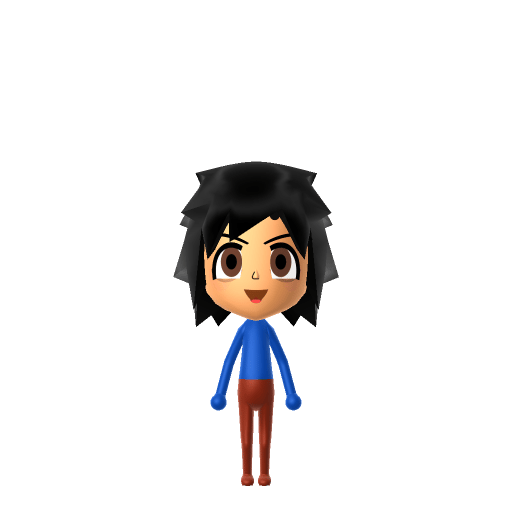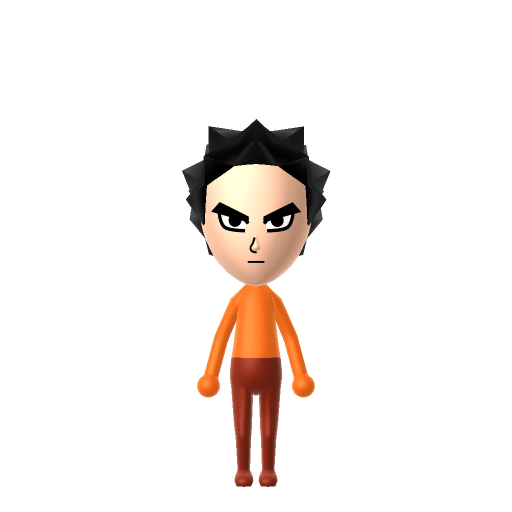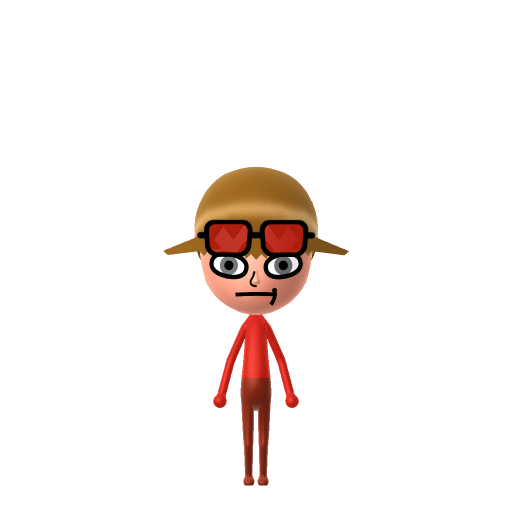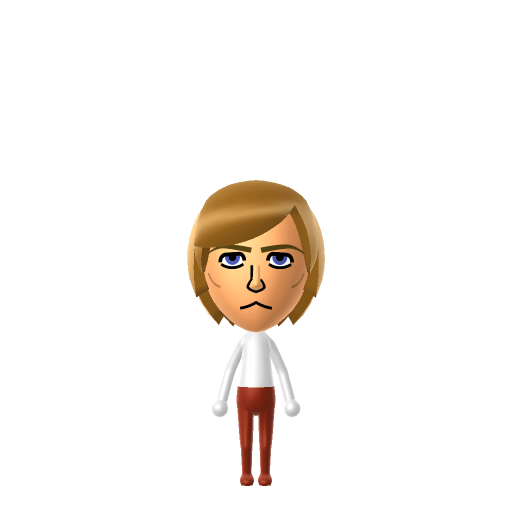
All Mii ideas
Mario Mii for Tomodachi Life
Video Game Mii Idea

Mario Mii for Tomodachi Life

The iconic plumber from the Mushroom Kingdom.

#nintendo#classic#iconic

About the Mario Mii

Character File

Mario is the star of Nintendo's Mario franchise and the company's mascot, created by Shigeru Miyamoto. He's an Italian plumber who lives in the Mushroom Kingdom with his younger twin brother Luigi, and most of his adventures involve rescuing Princess Peach from Bowser.

Mario Mii Quick Facts

Mario Mii — cast at a glance

Voiced by
Charles Martinet (1991–2023); Kevin Afghani since 2023
In Tomodachi Life

Mario barely speaks beyond a cheery "It's-a me!" — after importing him into Tomodachi Life: Living the Dream, nudge the pitch up and keep the tone bright on LTD's voice sliders to land that boisterous delivery; those sliders are an LTD-exclusive Mii Maker option the Switch system Mii Maker doesn't have.

01 — Personality

Recommended personality for your Mario Mii: Go-Getter

Bold and energetic, always pursuing the next goal with unmatched enthusiasm and determination.In Tomodachi Life, set this Mii's sliders so Speech + Movement totals 12–15 and Thinking + Energy totals 12–15. See the full Go-Getter guide →

Why this fitsMario charges into every level rather than stopping to plan, and rarely speaks but when he does it's exclamations rather than caveats — fits the Go-Getter profile (high Speech + Movement, high Thinking + Energy).

02 — How to Make This Mii

How to Make a Mario Mii in Tomodachi Life

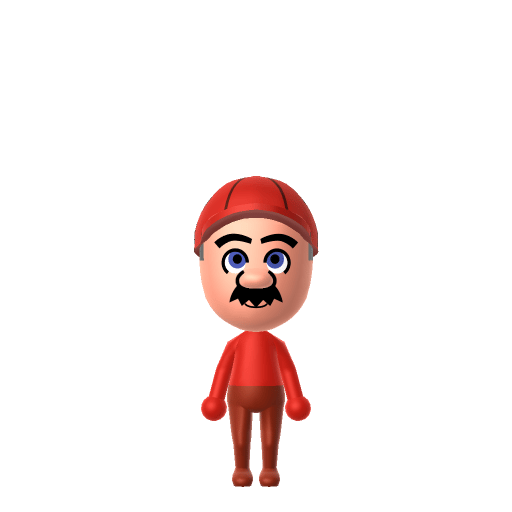
To make a Mario Mii in Tomodachi Life: Living the Dream, open Mii Maker and shape a round face with a large nose and a thick brown mustache, then top him with the signature red cap and dress him in blue overalls over a red shirt. The picker-by-picker walkthrough below works for both Nintendo Switch (LTD) and 3DS (original Tomodachi Life).

Use the system Mii Maker, then bring the Mii into Tomodachi Life: Living the Dream.

Body & Build

  1. 1
    Set gender to "Male".
  2. 2
    Set weight to 87%.

Face Shape & Skin

  1. 3
    Set face/skin color.
  2. 4
    Set face type.

Hair

  1. 5
    Set hair style.
    ⋯
    ⋯
    Row 7 · Column 3
  2. 6
    Set hair color in the expanded colors menu.

Eyes

  1. 7
    Set eyes.
    ⋯
    ⋯
    Row 3 · Column 1
  2. 8
    Set eye color in the expanded colors menu.
  3. 9
    Rotate outer edge of the eyes all the way down, then rotate it 3 ticks back up.
  4. 10
    Move eyes 1 ticks up.

Eyebrows

  1. 11
    Set eyebrows.
    ⋯
    Row 1 · Column 5
  2. 12
    Set eyebrows color in the expanded colors menu.
  3. 13
    Rotate outer edge of the eyebrows 1 ticks down.
  4. 14
    Move eyebrows 1 closer.
  5. 15
    Move eyebrows 3 ticks up.

Nose

  1. 16
    Set nose.
    ⋯
    Row 2 · Column 1
  2. 17
    Make nose 1 larger.
  3. 18
    Move nose 2 ticks up.

Mouth

  1. 19
    Set mouth.
    ⋯
    ⋯
    Row 4 · Column 4
  2. 20
    Make mouth 3 smaller

Facial Hair

  1. 21
    Set mustache type.
    ⋯
    Row 1 · Column 2
  2. 22
    Make mustache 4 larger.
  3. 23
    Move mustache 3 ticks up.

Diagrams show where the option sits in the Mii Maker picker (4 columns, scroll to reach later rows). Editor menus differ slightly between regions and console revisions — if an exact option is missing, pick the closest one.

Mii Studio data code

Mario's full appearance as a Mii Studio data string. Drop it into Mii rendering tools or community Mii editors that accept Studio codes (it's not a console import — for the game itself use the steps above).

08006f030c030421020b030805040901070300010000000804000a0800394004000214031301130d080107050507
03 — QR Code
Mario Mii QR code for the Nintendo 3DS

Scan this Mario Mii QR code

This is a 3DS-format Mii QR code generated from Mario's Mii data. On a Nintendo 3DS, open Mii Maker → QR Code / Image Options → Scan QR Code and point the camera at it, then bring the Mii into the original Tomodachi Life. The Switch / Switch 2 has no camera, so it can't scan Mii QR codes — for Tomodachi Life: Living the Dream use the step-by-step instructions above (or the online Mii creator).

Download QR code

Get the Mario Mii look

Build cheat-sheet

Feature → the move to make in Mii Maker

  1. Cap

    His red cap with the white "M" roundel is iconic — add a red hat in-game, or lean on a red colour scheme; under it he has short brown hair.

  2. Mustache

    A thick, bushy mustache is half the silhouette — pick the fullest mustache the editor offers in dark brown.

  3. Nose

    A large, round bulb nose — choose the biggest rounded nose option.

  4. Build

    Short and stocky — push the body slider toward shorter and fuller.

  5. Outfit

    Blue overalls over a red shirt with white gloves go on as in-game clothing once he's imported into LTD.

Did you know? — Mario Mii

  1. Mario was originally called "Jumpman" in the English instructions for Donkey Kong, and had no official name in the Japanese release.

  2. He started as a carpenter in Donkey Kong and only became a plumber when he reappeared in 1983's Mario Bros., set in the sewers.

  3. He was named after Mario Segale, the landlord of Nintendo of America's warehouse.

  4. His cap and mustache exist because of arcade hardware limits — the cap avoided drawing hair and the mustache avoided rendering a mouth on a tiny sprite.

Pair your Mario Mii with

In Tomodachi Life

Recreate Luigi, Peach and Bowser and you've rebuilt the Mushroom Kingdom on one island — but Tomodachi Life: Living the Dream writes its own story. Friendships grow from proximity and time spent together, and romance runs on dating preferences, random crushes and zodiac/birthday compatibility, so the game never imports those canonical bonds; you set the stage by housing them close and steering their conversations.

Mario Mii on your island

Picture it

A Go-Getter Mario throws himself into island life headfirst — quick to greet new residents and never one to overthink a friendship. LTD grows bonds through proximity and repeated conversations rather than personality scores, so place him centrally on an island of up to 70 residents and recreate Luigi, Peach and Bowser nearby for the full Mushroom Kingdom feel. Just remember the game builds its own relationships — your Mario might end up Best Friends with someone from a completely different franchise, and his "rescue Peach" romance is never guaranteed.

Life on your island

Mario Mii — FAQ

Can Mii Maker make an accurate Mario?

Yes — Mario is human-shaped, so the round face, big nose and thick mustache all reproduce well. His red cap and blue-overalls-over-red-shirt outfit go on as in-game clothing after you import him into LTD.

Does Mario have a birthday I can set?

Not an official one. An old Nintendo Power calendar from 1988 listed October 11, but that's a dated, one-off reference, and "MAR10 Day" (March 10) is a marketing celebration, not a canonical birthday — so set whatever date you like in Mii Maker.

What personality should I give a Mario Mii?

Go-Getter fits him best — set high Speech + Movement with high Thinking + Energy in the panel above. It matches his charge-ahead, never-overthink-it heroics.

Should I recreate Luigi, Peach and Bowser too?

Definitely — build Luigi, Peach and Bowser and house them near Mario to rebuild the core cast. LTD bonds form from time spent together rather than canon, so whether Mario and Peach become Sweethearts (or Bowser causes chaos) is up to how you play.

Sources: WikipediaCharacter facts are grounded in the source(s) above; Mii-Maker mapping is our own craft guidance.

More Miis like Mario

Have your own Mii?

Paste a Mii Studio code or upload a Mii QR image into the QR code Mii decoder to get this same step-by-step recreation guide for it.

Want to design your own?

Build a Mii from scratch in the online Mii creator, then bring its code here for rebuild steps.