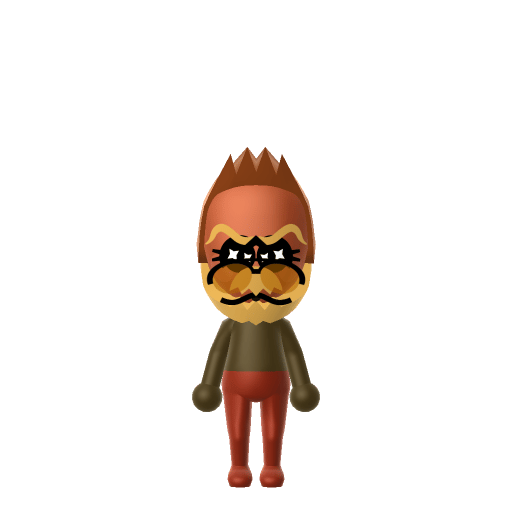
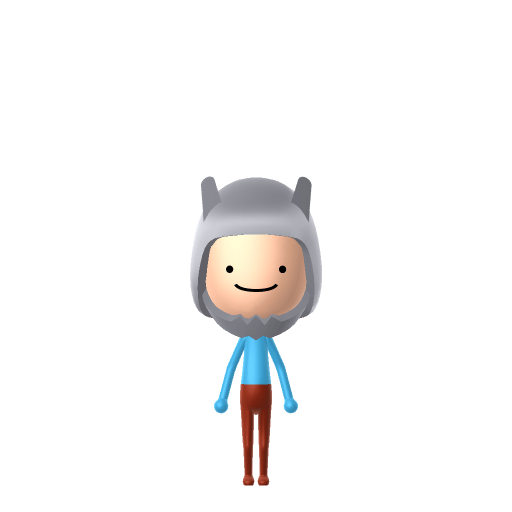
Character File
Monkey D. Luffy is the protagonist of Eiichiro Oda's manga series One Piece. He made his debut as a young boy who gains the properties of rubber after accidentally eating a Devil Fruit, and sets out to become King of the Pirates.
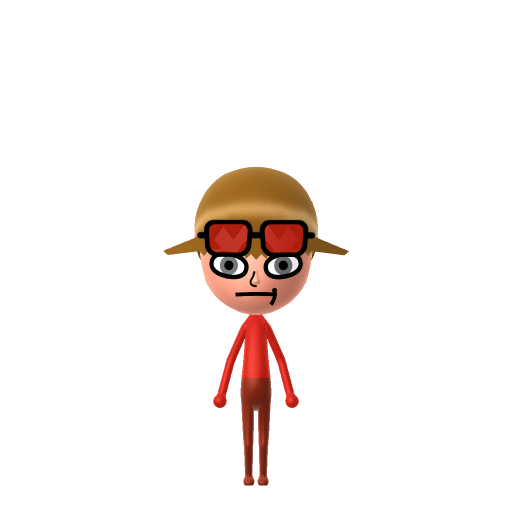
The rubber-powered pirate captain chasing his dream.
Set Luffy's Mii birthday to May 5 in Mii Maker — Tomodachi Life: Living the Dream treats birthdays as a first-class input, feeding the compatibility meter and zodiac interactions on your island.
Monkey D. Luffy is the protagonist of Eiichiro Oda's manga series One Piece. He made his debut as a young boy who gains the properties of rubber after accidentally eating a Devil Fruit, and sets out to become King of the Pirates.
Bold and energetic, always pursuing the next goal with unmatched enthusiasm and determination.In Tomodachi Life, set this Mii's sliders so Speech + Movement totals 12–15 and Thinking + Energy totals 12–15. See the full Go-Getter guide →
Why this fitsLuffy is single-minded about his goal, throws himself at every problem, and rarely stops to plan. That forward-leaning, action-driven profile fits Go-Getter (high Speech + Movement, high Thinking + Energy).
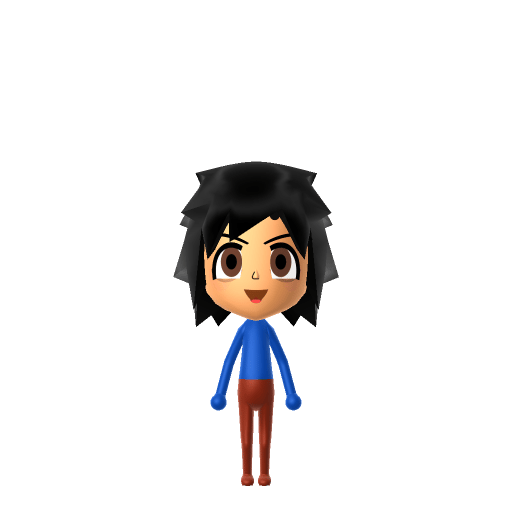
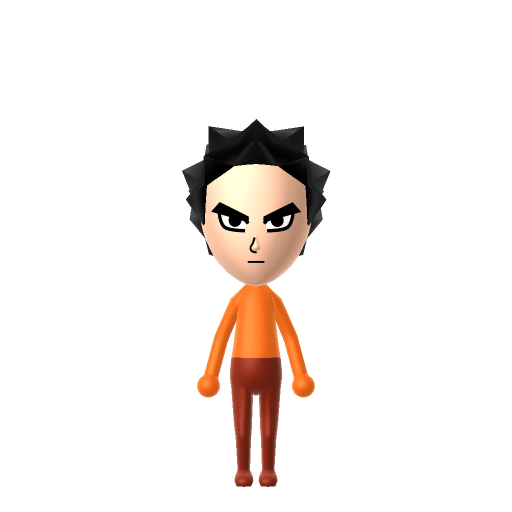
To make a Monkey D. Luffy Mii in Tomodachi Life: Living the Dream, open Mii Maker and build a young face with messy black hair, dark eyes, and his signature scar under the left eye, then top him with a straw-hat-style yellow accessory. The picker-by-picker walkthrough below works for both Nintendo Switch (LTD) and 3DS (original Tomodachi Life).
Use the system Mii Maker, then bring the Mii into Tomodachi Life: Living the Dream.
Diagrams show where the option sits in the Mii Maker picker (4 columns, scroll to reach later rows). Editor menus differ slightly between regions and console revisions — if an exact option is missing, pick the closest one.
Monkey D. Luffy's full appearance as a Mii Studio data string. Drop it into Mii rendering tools or community Mii editors that accept Studio codes (it's not a console import — for the game itself use the steps above).
060000030905060f021203060408040c0b0300010000000f0407070600255b03010b18031305140f05010002010d
This is a 3DS-format Mii QR code generated from Monkey D. Luffy's Mii data. On a Nintendo 3DS, open Mii Maker → QR Code / Image Options → Scan QR Code and point the camera at it, then bring the Mii into the original Tomodachi Life. The Switch / Switch 2 has no camera, so it can't scan Mii QR codes — for Tomodachi Life: Living the Dream use the step-by-step instructions above (or the online Mii creator).
Download QR codeBuild cheat-sheet
Feature → the move to make in Mii Maker
Short, messy, jet-black hair — pick a tousled black style; Luffy's is scruffy rather than neat or spiky.
Big, round, wide-open dark eyes that read as fearless and friendly — choose large round dark eyes.
A broad, toothy open grin is his default — use the biggest happy smile available.
Two small stitch marks sit just under his left eye — Mii Maker has no scar part, so leave it off or hint at it with a small mole/beauty mark placed below the eye.
Straw hat
Mii Maker has no hats. Build the face and hair, then add a straw-hat-style accessory in-game — fitting, since his real hat is a borrowed in-world heirloom too.
Under-eye stitched scar
There's no facial-scar option. The closest cheat is a small mole below the left eye; most players simply skip it and let the hair and grin carry the resemblance.
Roronoa Zoro
His first crewmate and right-hand swordsman, who pledged loyalty to Luffy as captain — recreate the Zoro Mii as a neighbour.
The Straw Hat Pirates
Nami, Usopp, Sanji and the rest of his crew — the nakama Luffy collects on his voyage and would do anything to protect.
'Red-Haired' Shanks
The pirate who lent young Luffy his straw hat and inspired his dream; Luffy means to return the hat once he becomes a great pirate.
Recreate the Straw Hat crew as neighbours, but remember Tomodachi Life: Living the Dream writes its own story — crews don't transfer over. Friendships and crushes on your island grow from proximity, dating preferences and birthday/zodiac compatibility, never from One Piece canon, so your Luffy may end up closest to someone from a completely different show.
A Go-Getter Luffy throws himself at island life the way he charges at any horizon — first to try a new food, first to start something chaotic. Go-Getters are forward, high-energy residents, so he'll mingle fast across an island of up to 70. Just don't expect to script his crew: LTD decides his bonds through dating preferences, chance crushes and zodiac/birthday compatibility, so the King of the Pirates might fall for the least likely resident on the block.
You can't in Mii Maker — it has no hats. Build the messy black hair and grin first, then add a straw-hat-style accessory in-game in Tomodachi Life: Living the Dream. It's a nice parallel to the story, where his hat is something Shanks lent him rather than his own.
Mii Maker has no scar part, so the two stitch marks under his left eye can't be drawn exactly. Some players place a small mole just below the eye as a hint; most leave it off and let the hair and big grin carry the likeness.
Go-Getter fits best — set Speech, Movement, Thinking and Energy high in the personality panel above. It matches his charge-ahead, never-overthink-it, adventure-first nature.
Sources: WikipediaCharacter facts are grounded in the source(s) above; Mii-Maker mapping is our own craft guidance.
Paste a Mii Studio code or upload a Mii QR image into the QR code Mii decoder to get this same step-by-step recreation guide for it.
Build a Mii from scratch in the online Mii creator, then bring its code here for rebuild steps.