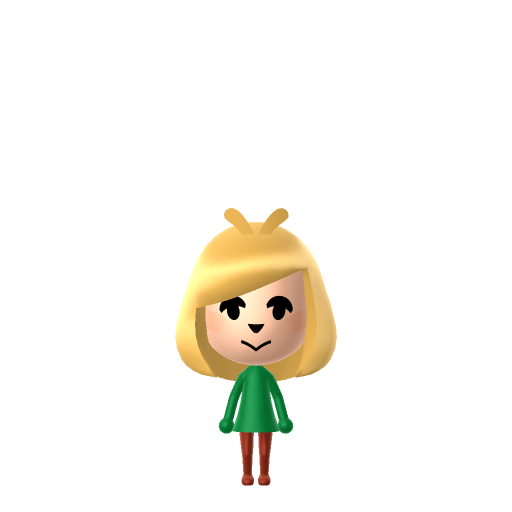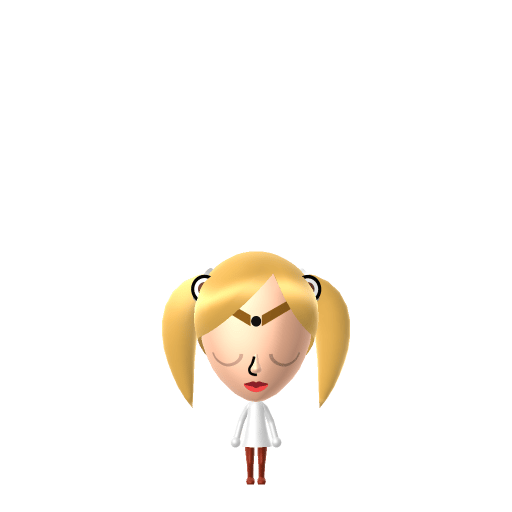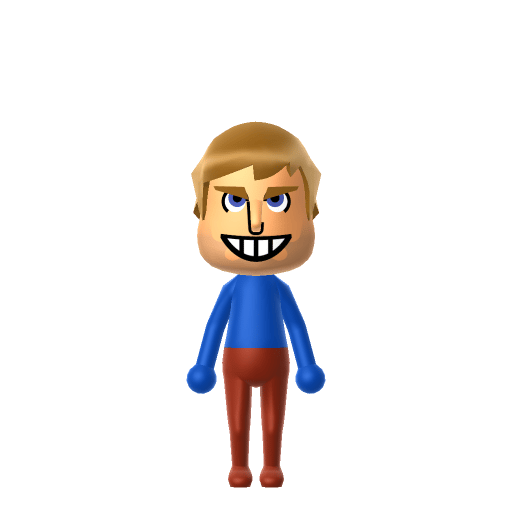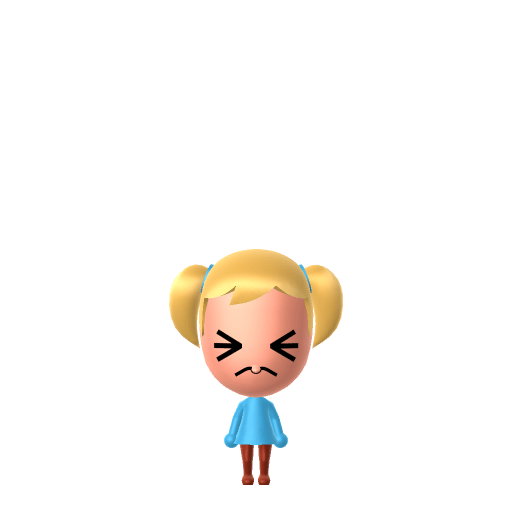
Bubbles is one of the three Powerpuff Girls in Cartoon Network's animated series created by Craig McCracken. Despite her cute, sensitive exterior she is deceptively powerful — capable of supersonic screaming and fluent in multiple languages including squirrel. She is the emotional heart of the trio, with an unconditional love for her stuffed octopus toy Octi.

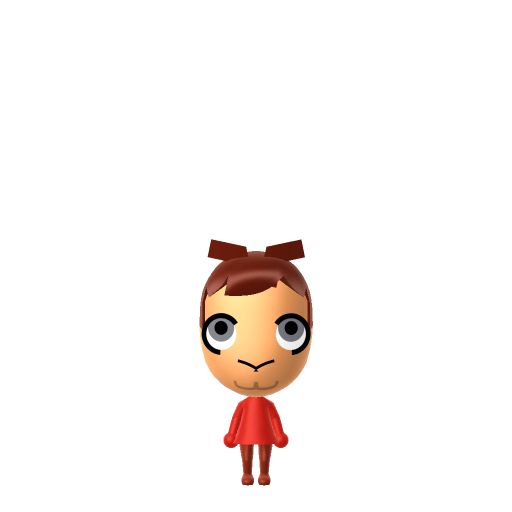
Bubbles Mii for Tomodachi Life
The sweet, pigtailed powerhouse of the Powerpuff Girls who can talk to animals.
About the Bubbles Mii
Bubbles Mii Quick Facts
Bubbles Mii — cast at a glance
- Voiced by
- Tara Strong (original series) / Kristen Li (2016 reboot)
Bubbles pairs perfectly with Blossom and Buttercup on your island — in Tomodachi Life: Living the Dream watch all three develop from Strangers to Best Friends just like they are in Townsville.
Recommended personality for your Bubbles Mii: Cheerleader
Enthusiastic residents who spread positivity everywhere. They maintain upbeat energy throughout all island interactions.In Tomodachi Life, set this Mii's sliders so Speech + Movement totals 4–7 and Thinking + Energy totals 12–15. See the full Cheerleader guide →
Why this fitsBubbles fights crime with a giggle and cries over a scraped knee in the same episode — she leads with feeling, brings warmth to every situation, and rallies spirits after a loss. That expressive emotional support maps directly to Cheerleader (mid Speech + Movement, high Thinking + Energy).
How to Make a Bubbles Mii in Tomodachi Life
To make a Bubbles Mii in Tomodachi Life: Living the Dream, open Mii Maker and choose blonde hair styled into two high pigtails, large blue eyes with a wide innocent expression, and a small round face. The picker-by-picker walkthrough below works for both Nintendo Switch (LTD) and 3DS (original Tomodachi Life).
Use the system Mii Maker, then bring the Mii into Tomodachi Life: Living the Dream.
Body & Build
- 1Set gender to "Female".
- 2Set favorite color to cyan.
- 3Set height to 0%.
- 4Set weight to 59%.
Face Shape & Skin
- 5Set face/skin color.
- 6Set face type.
- 7Set makeup.
Hair
- 8Set hair style.⋯⋯Row 22 · Column 1
- 9Set hair color in the expanded colors menu.
Eyes
- 10Set eyes.⋯⋯Row 8 · Column 6
- 11Set eye color in the expanded colors menu.
- 12Make eyes 3 larger.
- 13Rotate outer edge of the eyes all the way down, then rotate it 3 ticks back up.
- 14Move eyes 2 further apart.
- 15Move eyes 4 ticks down.
Eyebrows
- 16Set eyebrows.⋯⋯Row 4 · Column 6
- 17Rotate outer edge of the eyebrows 1 ticks down.
Nose
- 18Set nose.⋯Row 1 · Column 2
- 19Make nose 4 smaller
- 20Move nose 6 ticks down.
Mouth
- 21Set mouth.⋯Row 2 · Column 3
Beauty Mark
- 22Make mole 4 larger.
- 23Move mole 12 ticks to the right.
- 24Move mole 2 ticks down.
Diagrams show where the option sits in the Mii Maker picker (4 columns, scroll to reach later rows). Editor menus differ slightly between regions and console revisions — if an exact option is missing, pick the closest one.
Mii Studio data code
Bubbles's full appearance as a Mii Studio data string. Drop it into Mii rendering tools or community Mii editors that accept Studio codes (it's not a console import — for the game itself use the steps above).
08004b030c03072f04100301050417020a0301010006010804000a07002e0008000e160313040a0d04000a000a0f
Scan this Bubbles Mii QR code
This is a 3DS-format Mii QR code generated from Bubbles's Mii data. On a Nintendo 3DS, open Mii Maker → QR Code / Image Options → Scan QR Code and point the camera at it, then bring the Mii into the original Tomodachi Life. The Switch / Switch 2 has no camera, so it can't scan Mii QR codes — for Tomodachi Life: Living the Dream use the step-by-step instructions above (or the online Mii creator).
Download QR codeGet the Bubbles Mii look
Build cheat-sheet
Feature → the move to make in Mii Maker
- Hair
Blonde hair tied into two high pigtails — choose a twin-pigtail (bunches) style and the lightest blonde shade.
- Eyes
Oversized light-blue eyes that match her dress — pick the largest round eyes and a clear blue colour.
- Colour
Light blue is her signature head to toe; dress her in light blue after importing into LTD.
What Mii Maker can't do for your Bubbles Mii
- Mii Maker can’t
The Powerpuff Girls' simplified design — huge round eyes and no visible nose, ears, fingers, or neck
Closest you can getMii Maker can't remove the nose or shrink the proportions that far, so push the eyes to maximum size and the nose to its smallest, flattest option to approximate the cartoon look.
- Mii Maker can’t
Her exact twin pigtails sticking straight out
Closest you can getPick the closest pigtail or bunches style; if the editor's pigtails hang rather than stick out, that's the nearest available shape — the light-blue colour scheme still carries the likeness.
Bubbles Mii on your island
Drop Bubbles into Tomodachi Life: Living the Dream and she's the easy resident to befriend — LTD grows friendships through proximity and repeated conversations rather than personality scores, so a sweet, agreeable Mii placed in the middle of your island climbs to Best Friends fast. Give her an Apartment with a same-personality roommate and they'll get along with little fuss, since the game notes that Miis with similar personalities click more easily. Her real-show gift for talking to animals is flavour only — on your island everyone speaks the Island Lingo you write yourself.
Pair your Bubbles Mii with
Blossom
The level-headed leader of the trio — the "everything nice" sister who keeps the team organised.
Buttercup
The toughest, hotheaded brawler of the three — the "sugar, spice and everything nice" recipe's rough edge.
Recreate Blossom and Buttercup as their own Miis and house the three Powerpuff Girls together to rebuild the trio — but Tomodachi Life: Living the Dream won't auto-group them. Friendships there grow from proximity and shared time, so place the sisters near each other and nudge their conversations to climb from Strangers to Best Friends.
Bubbles Mii — FAQ
How do I get Bubbles' pigtails in Mii Maker?
Choose a twin-pigtail (bunches) hairstyle in the lightest blonde the editor offers. Mii Maker's pigtails may hang lower than her stick-straight ones, but combined with the light-blue colour scheme she still reads instantly as Bubbles.
Why are the Powerpuff Girls hard to recreate exactly?
Their art style has no nose, no ears, and enormous round eyes — proportions Mii Maker can't fully match because every Mii keeps a nose and a normal head shape. Maxing the eye size and minimising the nose gets you as close as the editor allows.
What personality should I give a Bubbles Mii?
Cheerleader suits her — set mid Speech + Movement with high Thinking + Energy above. It captures the warm, expressive, spirit-lifting sister who's sensitive one minute and fighting crime the next.
Can I make Bubbles talk to animals on my island?
Not literally — that's a show gag, and LTD has no animal-language feature. But you can lean into her chatty charm with Island Lingo, the player-written vocabulary your Miis use in conversations, and give her a sweet catchphrase to match.
Sources: WikipediaPowerpuff Girls WikiWikipediaCharacter facts are grounded in the source(s) above; Mii-Maker mapping is our own craft guidance.
Have your own Mii?
Paste a Mii Studio code or upload a Mii QR image into the QR code Mii decoder to get this same step-by-step recreation guide for it.
Want to design your own?
Build a Mii from scratch in the online Mii creator, then bring its code here for rebuild steps.