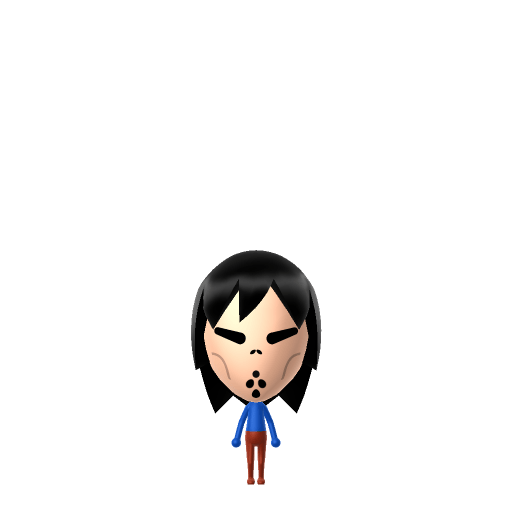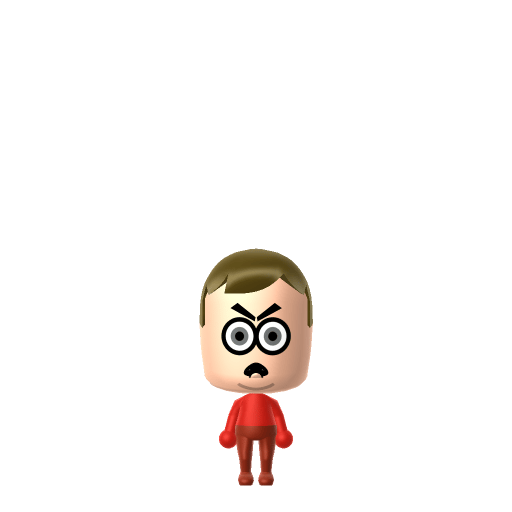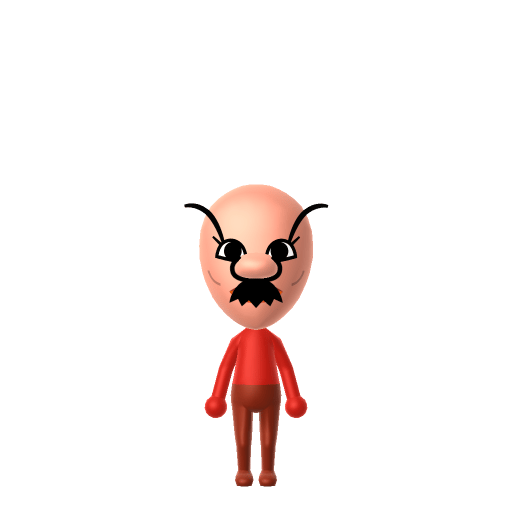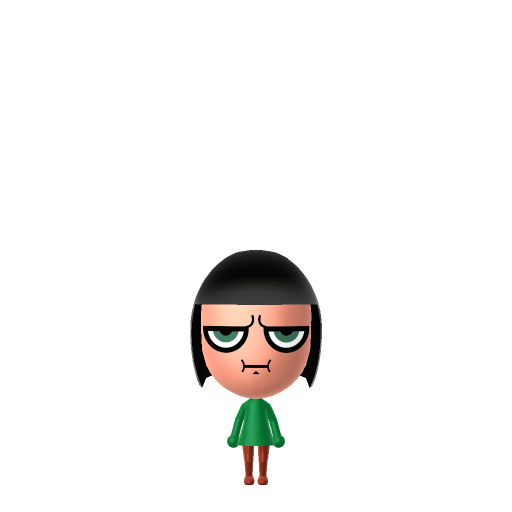
Buttercup is the toughest of the three Powerpuff Girls in Cartoon Network's animated series created by Craig McCracken. She is characterised by her tomboyish personality, short black hair, and fierce refusal to back down from any fight. She is the most aggressive of the three and the only one who can curl her tongue.

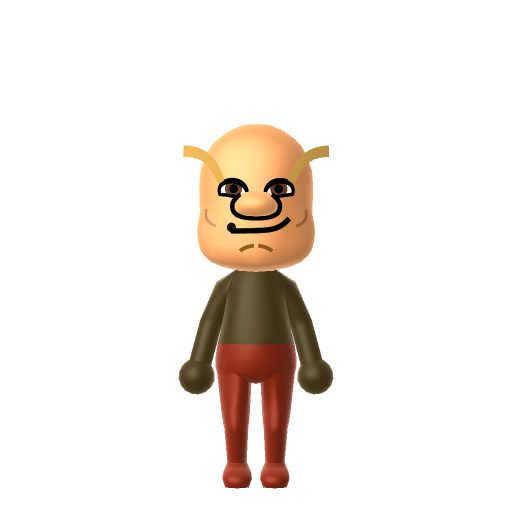
Buttercup Mii for Tomodachi Life
The tough, no-nonsense brawler of the Powerpuff Girls — the toughest fighter around.
Buttercup Mii Quick Facts
Buttercup Mii — cast at a glance
- Voiced by
- E.G. Daily (original series) / Natalie Palamides (2016 reboot)
Buttercup's blunt personality makes her one of the funniest residents to watch on your island in Tomodachi Life: Living the Dream — she'll pick fights, sulk dramatically, and deliver ruthless friendship advice without a second thought.
About the Buttercup Mii
Recommended personality for your Buttercup Mii: Rogue
Combines sharp intelligence with unshakeable confidence and independence. A lone wolf who plays by their own rules.In Tomodachi Life, set this Mii's sliders so Speech + Movement totals 8–11 and Thinking + Energy totals 0–3. See the full Rogue guide →
Why this fitsButtercup acts first, regrets never — she punches before Blossom finishes her strategy briefing and rolls her eyes at anyone who cries about it. That impulsive, rule-defying energy is classic Rogue (high Speech + Movement, low Thinking + Energy).
How to Make a Buttercup Mii in Tomodachi Life
To make a Buttercup Mii in Tomodachi Life: Living the Dream, open Mii Maker and pick short black hair with a slight flip at the ends, narrow green eyes with a fierce expression, and a tomboyish round face. The picker-by-picker walkthrough below works for both Nintendo Switch (LTD) and 3DS (original Tomodachi Life).
Use the system Mii Maker, then bring the Mii into Tomodachi Life: Living the Dream.
Body & Build
- 1Set gender to "Female".
- 2Set favorite color to green.
- 3Set height to 0%.
- 4Set weight to 35%.
Face Shape & Skin
- 5Set face/skin color.
- 6Set face type.
- 7Set makeup.
Hair
- 8Set hair style.⋯⋯Row 15 · Column 6
- 9Set hair color in the expanded colors menu.
Eyes
- 10Set eyes.⋯⋯Row 8 · Column 2
- 11Set eye color in the expanded colors menu.
- 12Make eyes 3 larger.
- 13Rotate outer edge of the eyes all the way down, then rotate it 3 ticks back up.
- 14Move eyes 1 ticks down.
Eyebrows
- 15Set eyebrows.⋯⋯Row 4 · Column 2
- 16Set eyebrows color in the expanded colors menu.
- 17Make eyebrows 2 smaller.
- 18Rotate outer edge of the eyebrows 4 ticks down.
- 19Move eyebrows 2 closer.
Nose
- 20Set nose.⋯Row 1 · Column 6
- 21Make nose 3 smaller
- 22Move nose 6 ticks down.
Mouth
- 23Set mouth.⋯⋯Row 3 · Column 5
- 24Set mouth color in the expanded colors menu.
- 25Make mouth 1 smaller
- 26Move mouth 2 ticks up.
Facial Hair
- 27Make mustache 4 smaller
- 28Move mustache 8 ticks up.
Beauty Mark
- 29Make mole 3 smaller
- 30Move mole 7 ticks to the right.
- 31Move mole 5 ticks down.
Diagrams show where the option sits in the Mii Maker picker (4 columns, scroll to reach later rows). Editor menus differ slightly between regions and console revisions — if an exact option is missing, pick the closest one.
Mii Studio data code
Buttercup's full appearance as a Mii Studio data string. Drop it into Mii rendering tools or community Mii editors that accept Studio codes (it's not a console import — for the game itself use the steps above).
08002d030d03072b020d030802020d000a0301010004010804000a0800190001000919031403030b00000201000f
Scan this Buttercup Mii QR code
This is a 3DS-format Mii QR code generated from Buttercup's Mii data. On a Nintendo 3DS, open Mii Maker → QR Code / Image Options → Scan QR Code and point the camera at it, then bring the Mii into the original Tomodachi Life. The Switch / Switch 2 has no camera, so it can't scan Mii QR codes — for Tomodachi Life: Living the Dream use the step-by-step instructions above (or the online Mii creator).
Download QR codeWhat Mii Maker can't do for your Buttercup Mii
- Mii Maker can’t
Her bright lime-green eyes
Closest you can getMii Maker's eye-colour palette is naturalistic and has no true lime green — pick the most vivid green it offers, then let the green outfit carry the colour signature.
- Mii Maker can’t
Her tongue-curling party trick — her one canonical "special ability"
Closest you can getThere's no tongue control (or expression for it) in Mii Maker, so this one lives in the lore, not the build; give her a cheeky catchphrase in LTD to nod to it.
Get the Buttercup Mii look
Build cheat-sheet
Feature → the move to make in Mii Maker
- Hair
Short black hair in a flip with a small triangular part in the bangs — pick a short black style with a centre part or flicked ends.
- Eyes
Lime-green eyes that match her dress — choose the largest round eyes and the greenest colour available.
- Colour
Lime green is her signature; dress her in green once she's in LTD.
Buttercup Mii on your island
Buttercup is comedy gold on your island in Tomodachi Life: Living the Dream — a blunt, hot-tempered Mii will sulk, squabble, and deliver no-nonsense friendship advice, and LTD's chaotic, non-deterministic interactions lean right into that. Her relationships still aren't decided by personality: romance runs on dating preferences, random crushes, and zodiac/birthday compatibility, so recreate her with sisters Blossom and Bubbles and watch the trio's friendships build through sheer proximity rather than any auto-matching.
Did you know? — Buttercup Mii
Buttercup represents "spice" in Professor Utonium's recipe of sugar, spice, and everything nice.
In the episode "Nuthin' Special," Buttercup's unique ability turns out to be curling her tongue — a trick none of her sisters can do.
Craig McCracken originally wanted to name her "Bud" to stress her tomboy streak, before a friend suggested "Buttercup."
Pair your Buttercup Mii with
Blossom
The level-headed leader of the trio — the "everything nice" sister who briefs the plan Buttercup ignores.
Bubbles
The sweet, animal-loving youngest sister — the soft "sugar" to Buttercup's "spice."
Recreate Blossom and Bubbles as their own Miis and house the three Powerpuff Girls together to rebuild the trio — but Tomodachi Life: Living the Dream won't auto-group them. Friendships there grow from proximity and shared time, so place the sisters near each other and nudge their conversations to climb from Strangers to Best Friends.
Buttercup Mii — FAQ
How close can Mii Maker get to Buttercup's look?
Very close on hair — short black with a small triangular bangs part is easy — but her lime-green eyes are the catch: the editor's eye colours are naturalistic, so pick the brightest green and let a green outfit complete the signature.
What personality should I give a Buttercup Mii?
Rogue is the match — set high Speech + Movement with low Thinking + Energy above. It captures the impulsive, rule-defying tomboy who acts first and regrets never.
Was Buttercup always going to be her name?
No — series creator Craig McCracken first wanted to name her "Bud" to underline her tomboy nature, and The Powerpuff Girls Movie even jokes that Buttercup disliked the softer name she ended up with.
Can I build all three Powerpuff Girls as a set?
Absolutely — pair Buttercup with Blossom and Bubbles and place them together so their conversations rack up. LTD grows friendships through time spent nearby rather than personality scores, so the sisterhood is something you stage on your island.
Sources: WikipediaPowerpuff Girls WikiWikipediaCharacter facts are grounded in the source(s) above; Mii-Maker mapping is our own craft guidance.
Have your own Mii?
Paste a Mii Studio code or upload a Mii QR image into the QR code Mii decoder to get this same step-by-step recreation guide for it.
Want to design your own?
Build a Mii from scratch in the online Mii creator, then bring its code here for rebuild steps.