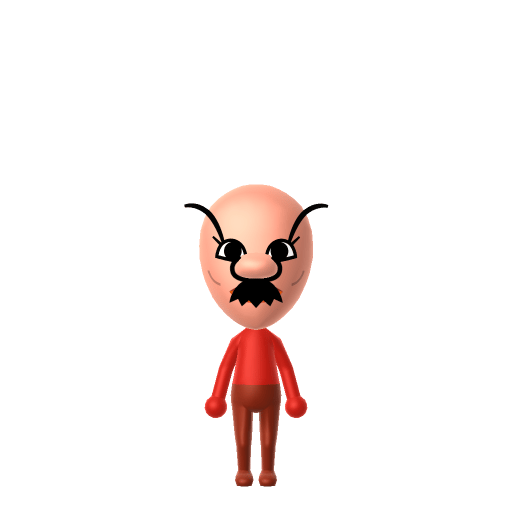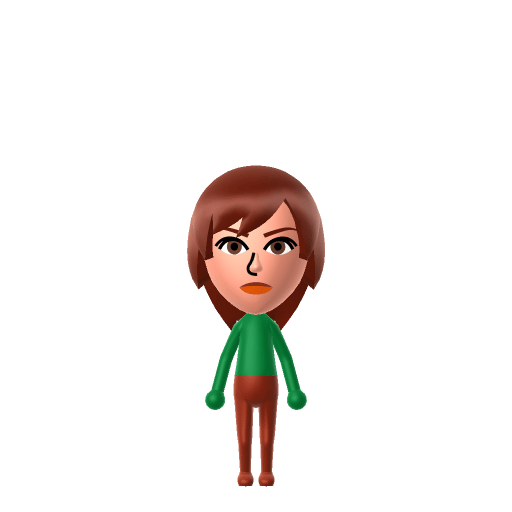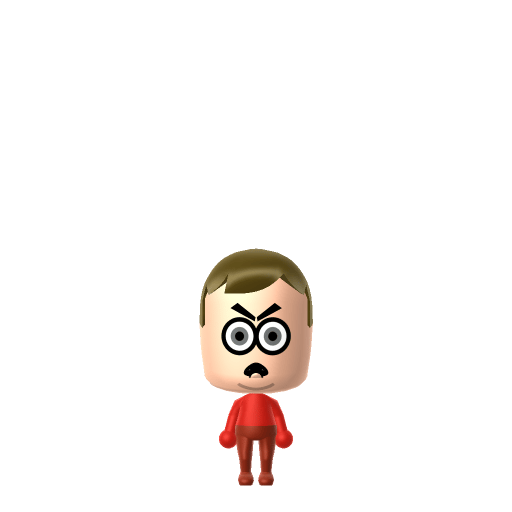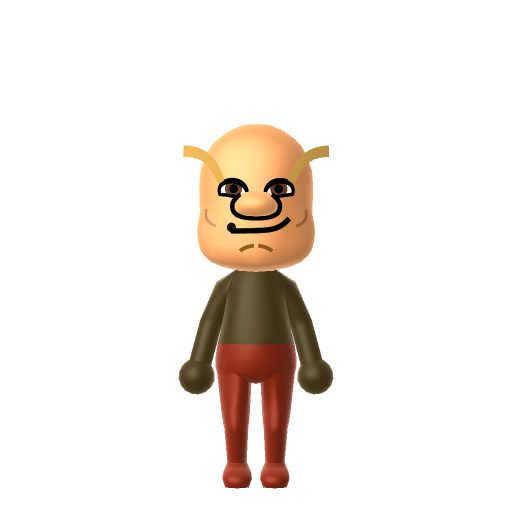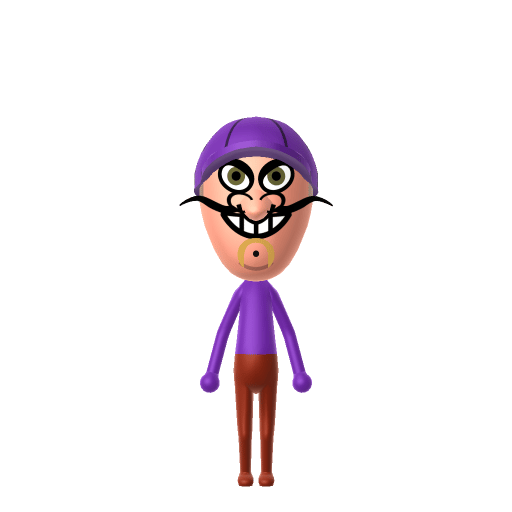
Waluigi is a character in Nintendo's Mario franchise who plays the role of Luigi's arch-rival and accompanies Wario in spin-offs, often causing mischief. He was created by Camelot employee Fumihide Aoki, and his original voice actor described him as someone with a lot of self-pity.

Waluigi Mii for Tomodachi Life
The lanky purple rival who deserves to be in Smash.
About the Waluigi Mii
Waluigi Mii Quick Facts
Waluigi Mii — cast at a glance
- Voiced by
- Charles Martinet (2000–early 2020s); Kevin Afghani since 2024
Waluigi is all theatrical sneers and self-pity — after importing him into Tomodachi Life: Living the Dream, lower the pitch and tilt the tone toward sly on LTD's voice sliders for his drawn-out "Waaah!"; those sliders are an LTD-exclusive Mii Maker option the Switch system Mii Maker doesn't have.
Recommended personality for your Waluigi Mii: Rogue
Combines sharp intelligence with unshakeable confidence and independence. A lone wolf who plays by their own rules.In Tomodachi Life, set this Mii's sliders so Speech + Movement totals 8–11 and Thinking + Energy totals 0–3. See the full Rogue guide →
Why this fitsWaluigi is characterised by mischief and grandstanding — always making a scene, always picking sides against Mario and Luigi. That theatrically disruptive profile fits Rogue (high Speech + Movement, low Thinking + Energy).
How to Make a Waluigi Mii in Tomodachi Life
To make a Waluigi Mii in Tomodachi Life: Living the Dream, open Mii Maker and build a tall, lanky frame with a long pointed nose and a thin black mustache, then top him with Waluigi's signature purple cap and dress him in black overalls. The picker-by-picker walkthrough below works for both Nintendo Switch (LTD) and 3DS (original Tomodachi Life).
Use the system Mii Maker, then bring the Mii into Tomodachi Life: Living the Dream.
Body & Build
- 1Set gender to "Male".
- 2Set favorite color to purple.
- 3Set height to 100%.
- 4Set weight to 22%.
Face Shape & Skin
- 5Set face/skin color.
- 6Set face type.
- 7Set facial features/wrinkles.
Hair
- 8Set hair style.⋯⋯Row 7 · Column 3
Eyes
- 9Set eyes.⋯⋯Row 7 · Column 1
- 10Set eye color in the expanded colors menu.
- 11Make eyes 1 larger.
- 12Rotate outer edge of the eyes all the way down, then rotate it 7 ticks back up.
- 13Move eyes 1 closer.
- 14Move eyes 4 ticks up.
Eyebrows
- 15Set eyebrows.⋯⋯Row 4 · Column 1
- 16Set eyebrows color in the expanded colors menu.
- 17Make eyebrows 4 larger.
- 18Move eyebrows 3 further apart.
- 19Move eyebrows 5 ticks down.
Nose
- 20Set nose.⋯Row 1 · Column 4
- 21Make nose 3 larger.
- 22Move nose 5 ticks up.
Mouth
- 23Set mouth.⋯⋯Row 4 · Column 5
- 24Make mouth 4 larger.
- 25Move mouth 5 ticks up.
Facial Hair
- 26Set mustache type.⋯Row 2 · Column 1
- 27Make mustache 1 smaller
- 28Move mustache 1 ticks down.
- 29Set beard color in the expanded colors menu.
Glasses
- 30Set glasses type.⋯Row 2 · Column 3
- 31Make glasses 3 smaller
Beauty Mark
- 32Turn mole on.
- 33Move mole 6 ticks to the right.
- 34Move mole 6 ticks down.
Diagrams show where the option sits in the Mii Maker picker (4 columns, scroll to reach later rows). Editor menus differ slightly between regions and console revisions — if an exact option is missing, pick the closest one.
Mii Studio data code
Waluigi's full appearance as a Mii Studio data string. Drop it into Mii rendering tools or community Mii editors that accept Studio codes (it's not a console import — for the game itself use the steps above).
07001c030b0705070108030806080f050f0300020708000801050a0100397f0401081a0313080e0803030b070304
Scan this Waluigi Mii QR code
This is a 3DS-format Mii QR code generated from Waluigi's Mii data. On a Nintendo 3DS, open Mii Maker → QR Code / Image Options → Scan QR Code and point the camera at it, then bring the Mii into the original Tomodachi Life. The Switch / Switch 2 has no camera, so it can't scan Mii QR codes — for Tomodachi Life: Living the Dream use the step-by-step instructions above (or the online Mii creator).
Download QR codeGet the Waluigi Mii look
Build cheat-sheet
Feature → the move to make in Mii Maker
- Build
Tall, thin and lanky — the lean foil to stocky Wario; max the height slider and keep the weight low.
- Nose
A long, pointed pink nose — pick the longest, most pointed nose the editor offers.
- Mustache
A thin, pointy, crooked mustache — choose a slim angular mustache in black.
- Cap
His purple cap with the "Γ" (upside-down L) emblem goes on as an in-game purple hat, or lean on a purple colour scheme.
- Outfit
His purple long-sleeved shirt and black overalls go on as in-game clothing once he's imported into LTD.
Pair your Waluigi Mii with
Wario
His partner-in-mischief — Waluigi debuted as Wario's tennis doubles partner and they've been the spin-off villain duo ever since.
Luigi
His arch-rival, created expressly as Luigi's antagonistic counterpart.
Recreate Wario as his partner and Luigi as his rival to stage the whole dynamic — but Tomodachi Life: Living the Dream writes its own story. Friendships grow from proximity and shared time, and romance runs on dating preferences, random crushes and zodiac/birthday compatibility, so the game won't honour the rivalry for you; house them close and steer their conversations.
Did you know? — Waluigi Mii
Despite years of fan campaigning, Waluigi has never been a playable Super Smash Bros. fighter — only a non-playable Assist Trophy.
His name is a portmanteau of warui ("bad") and Luigi, and is also an anagram of ijiwaru, Japanese for "ill-natured."
His cap emblem is a vertically mirrored "L" forming a "Γ" — an upside-down L paralleling Wario's upside-down-M "W."
He was originally conceived as Wario's brother, but this was later retconned to them simply being partners.
Waluigi Mii on your island
A Rogue-type Waluigi is the island's biggest scene-stealer — theatrical, disruptive and always picking sides. LTD grows bonds through proximity and repeated conversations rather than personality scores, so house him next to Wario for the partner energy and near Luigi for the rivalry. The joke writes itself: the character forever left out of Smash might finally become someone's number-one Best Friend on your island, or stir up exactly the drama you'd expect — either way, the chaos is part of the charm.
Waluigi Mii — FAQ
Can Mii Maker make an accurate Waluigi?
Yes — Waluigi is human-shaped, so the tall lanky build, long pointed nose and thin crooked mustache all reproduce well. His purple cap and black overalls go on as in-game clothing after import into LTD.
How do I make him look different from Luigi?
Lean into the extremes: make Waluigi much taller and thinner, with a far longer pointed nose and a thin angular mustache, then swap to purple and black. He's the warped, lanky mirror of Luigi rather than a look-alike.
What personality should I give a Waluigi Mii?
Rogue fits him best — set high Speech + Movement with low Thinking + Energy in the panel above. It matches his grandstanding, scene-making, always-causing-mischief character.
Should I recreate Wario too?
Yes — build Wario and house him near Waluigi to rebuild the mischief duo. LTD bonds form from time spent together rather than canon, so keep them close and watch the partnership develop on your island.
Sources: WikipediaSuper Mario WikiCharacter facts are grounded in the source(s) above; Mii-Maker mapping is our own craft guidance.
Have your own Mii?
Paste a Mii Studio code or upload a Mii QR image into the QR code Mii decoder to get this same step-by-step recreation guide for it.
Want to design your own?
Build a Mii from scratch in the online Mii creator, then bring its code here for rebuild steps.