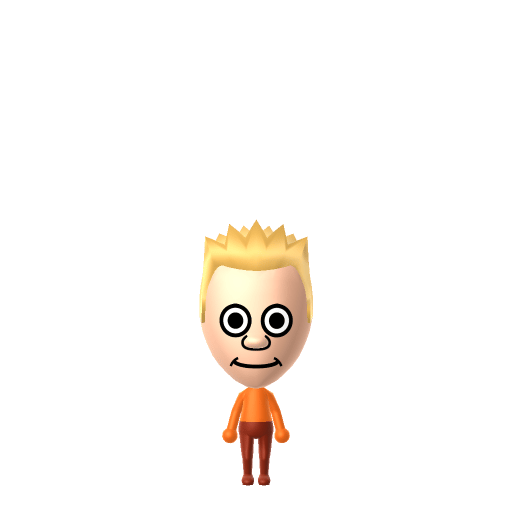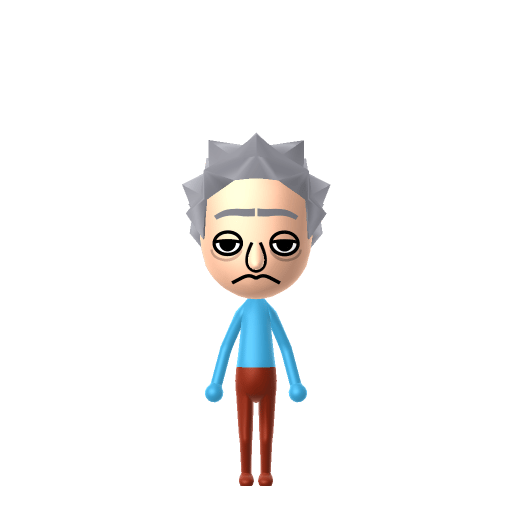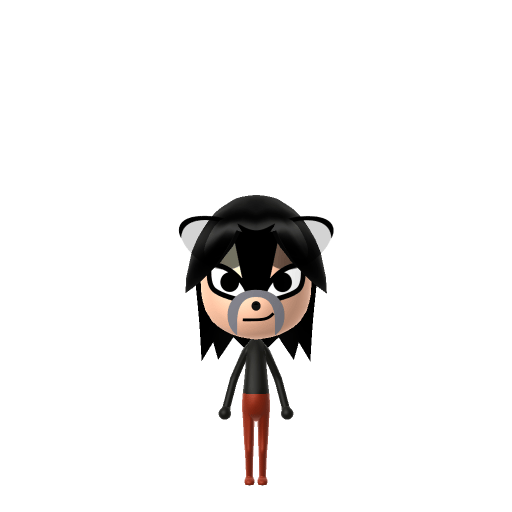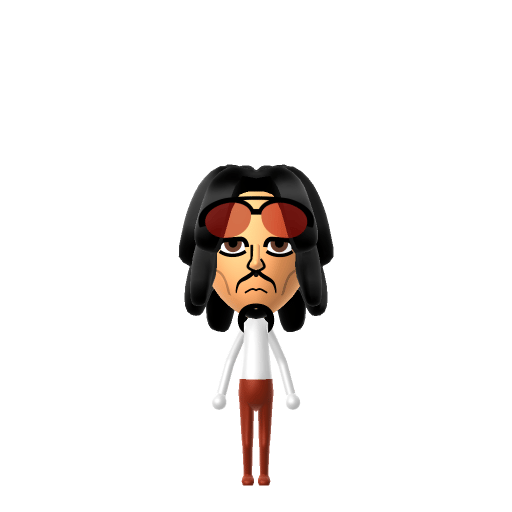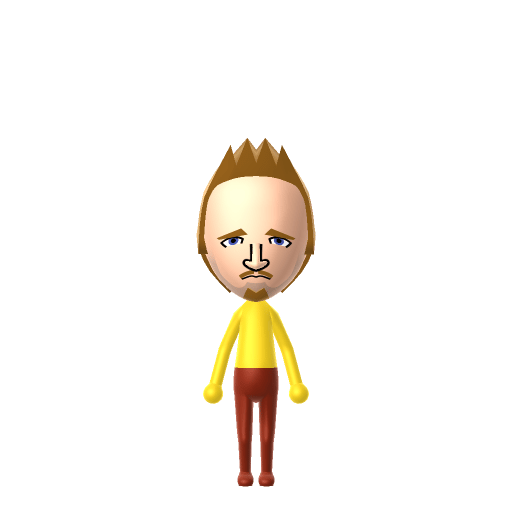
Jesse Bruce Pinkman is one of the two main characters of the AMC drama Breaking Bad, played by Aaron Paul. A former chemistry student of Walter White who reconnects with him as a small-time Albuquerque meth dealer, he becomes Walter's reluctant business partner across all five seasons and headlines the 2019 follow-up film El Camino: A Breaking Bad Movie.

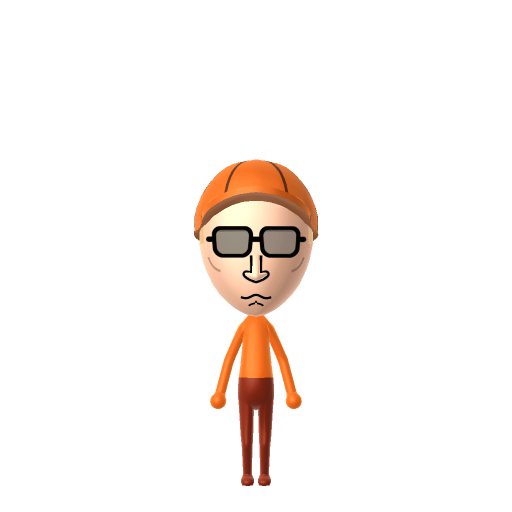
Jesse Pinkman Mii for Tomodachi Life
Walter White's hot-headed meth-cooking partner in AMC's Breaking Bad and the lead of follow-up film El Camino.
About the Jesse Pinkman Mii
Jesse Pinkman Mii Quick Facts
Jesse Pinkman Mii — birthday, age, height & cast at a glance
- Birthday
- September 24, 1984
- Age
- 24–25 (Breaking Bad seasons 1–5)
- Height
- 5 ft 9 in (175 cm)→ convert to slider notches
- Portrayed by
- Aaron Paul
Set Jesse's Mii birthday to September 24 in Mii Maker — Tomodachi Life: Living the Dream treats birthdays as a first-class input, feeding the compatibility meter and zodiac interactions on your island.
Recommended personality for your Jesse Pinkman Mii: Maverick
A determined self-starter who removes every obstacle in their path. Highly driven, autonomous, and unstoppable.In Tomodachi Life, set this Mii's sliders so Speech + Movement totals 12–15 and Thinking + Energy totals 0–3. See the full Maverick guide →
Why this fitsJesse runs on emotion — picks fights with Walter, gives away money on impulse, risks everything for the kids on the periphery of the cartel — and his trademark "yo" and "bitch" outbursts make him the loudest person in any scene. That high-volume, rule-breaking-with-feeling profile fits Maverick (high Speech + Movement, low Thinking + Energy).
How to Make a Jesse Pinkman Mii in Tomodachi Life
To make a Jesse Pinkman Mii in Tomodachi Life: Living the Dream, open Mii Maker and shape a thin young-adult face with a buzz-cut blond hairstyle, a light scruffy goatee, narrow eyes, and a flat smirk, then add an orange or red beanie hat and his signature oversized hoodie colour scheme. The picker-by-picker walkthrough below works for both Nintendo Switch (LTD) and 3DS (original Tomodachi Life).
Use the system Mii Maker, then bring the Mii into Tomodachi Life: Living the Dream.
Body & Build
- 1Set gender to "Male".
- 2Set favorite color to yellow.
- 3Set height to 80%.
- 4Set weight to 32%.
Face Shape & Skin
- 5Set makeup.
Hair
- 6Set hair style.⋯⋯Row 3 · Column 3
- 7Set hair color in the expanded colors menu.
Eyes
- 8Set eyes.⋯⋯Row 5 · Column 5
- 9Set eye color in the expanded colors menu.
- 10Make eyes 2 smaller.
- 11Squash the eyes 2 to the left.
- 12Rotate outer edge of the eyes all the way down, then rotate it 2 ticks back up.
- 13Move eyes 2 further apart.
- 14Move eyes 1 ticks down.
Eyebrows
- 15Set eyebrows.⋯Row 2 · Column 6
- 16Set eyebrows color in the expanded colors menu.
- 17Make eyebrows 1 smaller.
- 18Squash the eyebrows 2 to the left.
- 19Rotate outer edge of the eyebrows 2 ticks down.
- 20Move eyebrows 1 further apart.
- 21Move eyebrows 3 ticks down.
Nose
- 22Set nose.⋯Row 2 · Column 4
- 23Make nose 1 smaller
- 24Move nose 2 ticks down.
Mouth
- 25Set mouth.⋯Row 2 · Column 3
- 26Make mouth 2 smaller
- 27Squash the mouth 3 to the left.
- 28Move mouth 1 ticks down.
Facial Hair
- 29Set mustache type.⋯Row 1 · Column 3
- 30Make mustache 1 smaller
- 31Move mustache 1 ticks down.
- 32Set beard type.⋯Row 1 · Column 2
- 33Set beard color in the expanded colors menu.
Diagrams show where the option sits in the Mii Maker picker (4 columns, scroll to reach later rows). Editor menus differ slightly between regions and console revisions — if an exact option is missing, pick the closest one.
Mii Studio data code
Jesse Pinkman's full appearance as a Mii Studio data string. Drop it into Mii rendering tools or community Mii editors that accept Studio codes (it's not a console import — for the game itself use the steps above).
060129010c020225040d0106040304030d000a000002000804000a06002666040002140013020a0e03020b03090b
Scan this Jesse Pinkman Mii QR code
This is a 3DS-format Mii QR code generated from Jesse Pinkman's Mii data. On a Nintendo 3DS, open Mii Maker → QR Code / Image Options → Scan QR Code and point the camera at it, then bring the Mii into the original Tomodachi Life. The Switch / Switch 2 has no camera, so it can't scan Mii QR codes — for Tomodachi Life: Living the Dream use the step-by-step instructions above (or the online Mii creator).
Download QR codeGet the Jesse Pinkman Mii look
Build cheat-sheet
Feature → the move to make in Mii Maker
- Hair
Short buzz-cut blond — pick a very short, light-blond style; Jesse's is cropped close rather than styled.
- Facial hair
A light, patchy soul-patch-and-goatee scruff — add the thinnest soft goatee the editor offers.
- Expression
Slightly hooded eyes and a wary half-smirk — choose narrow eyes and a small lopsided mouth.
- Colour
Dress him after import in loud, baggy streetwear — oranges, reds and yellows — to match his layered look.
What Mii Maker can't do for your Jesse Pinkman Mii
- Mii Maker can’t
His signature knit beanie
Closest you can getMii Maker has no hats, so the beanie can't be part of the Mii itself — build the buzz-cut head, then add a beanie accessory in-game in LTD.
- Mii Maker can’t
Baggy layered hoodies and streetwear
Closest you can getMii Maker only builds the face and body, not outfits. Assemble his loud, oversized look from in-game clothing once he's on your island.
Pair your Jesse Pinkman Mii with
Recreate Walt next door and you've rebuilt the show's central duo — but Tomodachi Life: Living the Dream never imports those relationships. Friendships grow from proximity and shared time, and romance runs on dating preferences, random crushes and zodiac/birthday compatibility, so the game won't pair the partners for you; you steer the bond by housing them close and nudging their conversations.
Did you know? — Jesse Pinkman Mii
Aaron Paul won three Primetime Emmy Awards for Outstanding Supporting Actor in a Drama Series (2010, 2012 and 2014) for playing Jesse.
Vince Gilligan originally planned to kill Jesse off at the end of season one, but Aaron Paul's performance convinced him to keep the character.
Aaron Paul reprised the role as the protagonist of El Camino: A Breaking Bad Movie (2019), set immediately after the series finale.
Jesse Pinkman Mii — FAQ
How do I give a Jesse Mii his beanie?
You can't in Mii Maker — it has no hats. Build the buzz-cut blond hair and light goatee first, then add a knit-beanie accessory in-game in Tomodachi Life: Living the Dream and dress him in baggy streetwear.
Is Jesse easy to recreate?
Yes — his face is one of the simpler Breaking Bad builds: short blond hair, patchy scruff, and a wary smirk. The character is really sold by the loud, oversized clothing, which you add as in-game outfits after import.
What personality should I give a Jesse Pinkman Mii?
Maverick fits him best — set high Speech + Movement with low Thinking + Energy in the panel above. It matches his loud, impulsive, rule-breaking-with-feeling streak, the loudest person in almost any scene.
Should I add Walter White to my island too?
Definitely — recreate Walt and house him near Jesse to rebuild the show's core partnership. LTD bonds form from time spent together rather than canon, so whether they become Best Friends or clash comes down to how you play it.
Sources: WikipediaBreaking Bad WikiCharacter facts are grounded in the source(s) above; Mii-Maker mapping is our own craft guidance.
Have your own Mii?
Paste a Mii Studio code or upload a Mii QR image into the QR code Mii decoder to get this same step-by-step recreation guide for it.
Want to design your own?
Build a Mii from scratch in the online Mii creator, then bring its code here for rebuild steps.