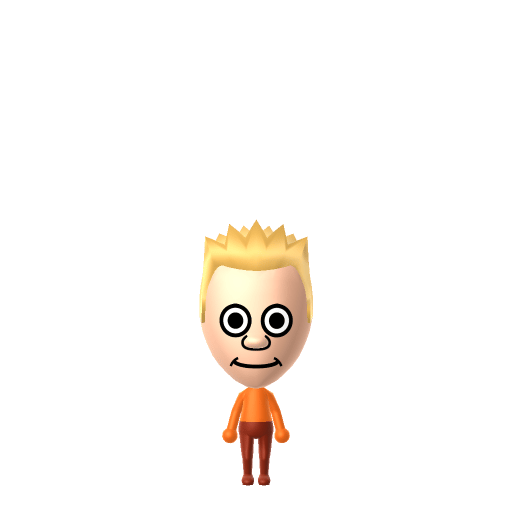
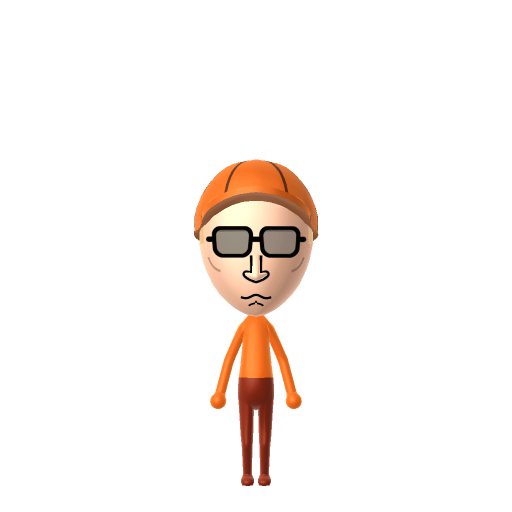
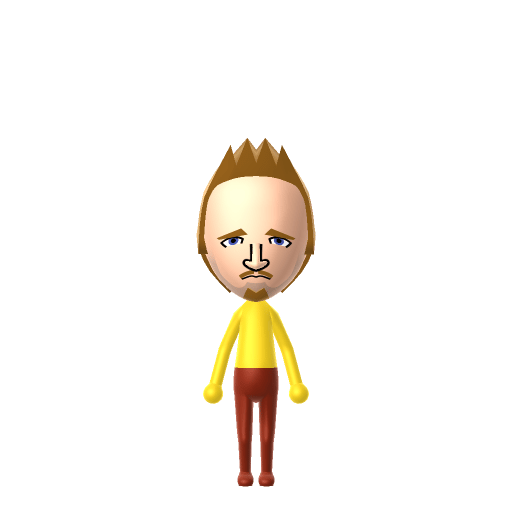
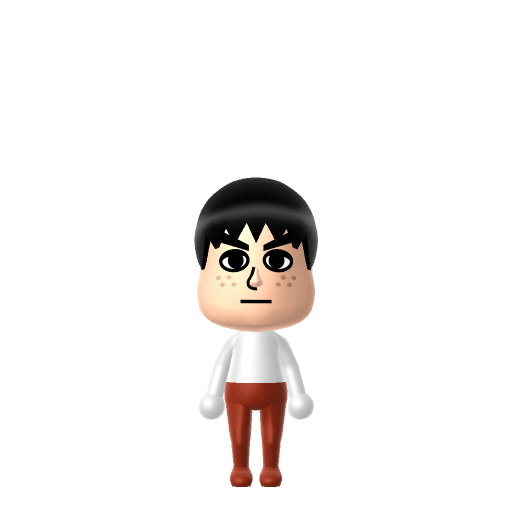
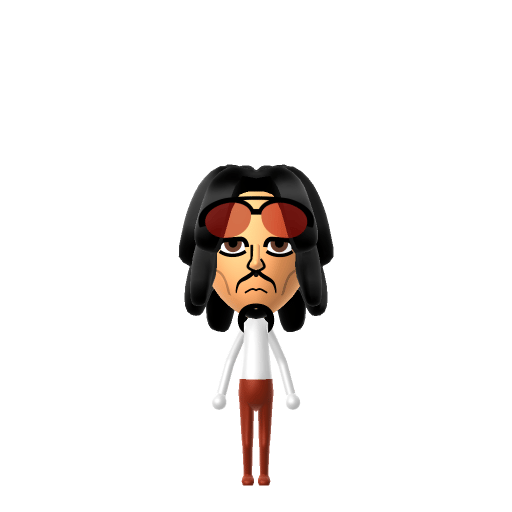
Character File
Rick Sánchez is one of the two titular protagonists of Adult Swim's animated series Rick and Morty, a scientist who drags his grandson Morty across the multiverse on increasingly chaotic adventures.
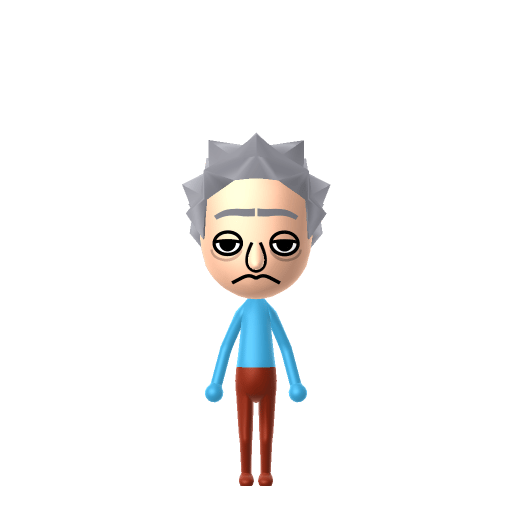
The smartest man in the multiverse, wubba lubba dub dub!
Rick Sánchez is one of the two titular protagonists of Adult Swim's animated series Rick and Morty, a scientist who drags his grandson Morty across the multiverse on increasingly chaotic adventures.
Rick is all contempt and burping monologues — give your Rick Sanchez Mii a gruff, fast, slightly slurred voice on LTD's sliders so he sounds like he's mid-rant on your island.
A determined self-starter who removes every obstacle in their path. Highly driven, autonomous, and unstoppable.In Tomodachi Life, set this Mii's sliders so Speech + Movement totals 12–15 and Thinking + Energy totals 0–3. See the full Maverick guide →
Why this fitsRick is a loud, contemptuous genius who lectures Morty in long monologues and bends the rules of physics for personal convenience. That direct, anti-establishment profile fits Maverick (high Speech + Movement, low Thinking + Energy).
To make a Rick Sanchez Mii in Tomodachi Life: Living the Dream, open Mii Maker and pick light blue spiky hair, a single tuft brow, dark sunken eyes, and a thin frowning mouth, then dress him in his white lab coat colour scheme. The picker-by-picker walkthrough below works for both Nintendo Switch (LTD) and 3DS (original Tomodachi Life).
Use the system Mii Maker, then bring the Mii into Tomodachi Life: Living the Dream.
Diagrams show where the option sits in the Mii Maker picker (4 columns, scroll to reach later rows). Editor menus differ slightly between regions and console revisions — if an exact option is missing, pick the closest one.
Rick Sanchez's full appearance as a Mii Studio data string. Drop it into Mii rendering tools or community Mii editors that accept Studio codes (it's not a console import — for the game itself use the steps above).
04001c0308030433040f010405051400090000010506000804000a04001f69040002140213050a0f04000004080b
This is a 3DS-format Mii QR code generated from Rick Sanchez's Mii data. On a Nintendo 3DS, open Mii Maker → QR Code / Image Options → Scan QR Code and point the camera at it, then bring the Mii into the original Tomodachi Life. The Switch / Switch 2 has no camera, so it can't scan Mii QR codes — for Tomodachi Life: Living the Dream use the step-by-step instructions above (or the online Mii creator).
Download QR codeBuild cheat-sheet
Feature → the move to make in Mii Maker
His pale, sticking-up light-blue hair is the signature — pick the spikiest style in the closest blue the editor offers.
Give him a single straight tuft of a brow over dark, sunken, tired eyes — Rick always looks unimpressed and exhausted.
A thin, downturned, frowning mouth (sometimes drawn with a bit of drool) suits his perpetually contemptuous expression.
Dress him in his white lab coat over a pale-blue shirt using LTD's in-game clothing. He's human, so the Mii builds easily with standard parts.
Rick and Morty was co-created by Justin Roiland and Dan Harmon; Roiland voiced both Rick and Morty himself until his departure in 2023, after which the roles were recast (Ian Cardoni as Rick, Harry Belden as Morty).
His catchphrase "Wubba lubba dub dub!" is revealed by his friend Birdperson to actually mean "I am in great pain, please help me."
The main Rick of the series is identified as coming from dimension C-137 — one of infinite Ricks across the multiverse.
His portal gun, which punches doorways between dimensions, is the gadget that powers most of the show's adventures.
A Maverick-type Rick Sanchez is the island's brilliant troublemaker — loud, contemptuous and operating on his own rules while everyone else scrambles to keep up. Mavericks shake up the room, so the fun is in turning him loose among your most orderly residents. He rooms most easily with other big personalities, which is what LTD's roommate harmony rewards. Even the smartest man in the multiverse can't hack romance, though: crushes in Tomodachi Life: Living the Dream run on dating preferences, random chance and birthday/zodiac compatibility — never personality — so set your Rick a birthday and let the island, not science, decide.
Morty Smith
His anxious teenage grandson and reluctant co-pilot — the other half of the title and the heart to Rick's chaos.
Birdperson
Rick's old war buddy and one of the few people he genuinely respects — the friend who translates "Wubba lubba dub dub."
Recreate Morty and Birdperson as their own Miis and house them near your Rick Sanchez Mii to rebuild the crew — but Tomodachi Life: Living the Dream won't recreate the multiverse for you. Friendships grow from proximity and shared time, and romance runs on dating preferences and zodiac compatibility, so who Rick tolerates on your island is down to how you play.
Use spiky light-blue hair, a single tuft brow, dark sunken eyes and a thin frowning mouth, then dress him in his white lab coat with LTD's in-game clothing. He's human, so the Mii builds easily — follow the picker-by-picker steps above for Switch (LTD) or 3DS.
It sounds like a goofy catchphrase, but in the show Rick's friend Birdperson reveals it actually means "I am in great pain, please help me" — a dark joke about Rick's character buried in a nonsense phrase.
Co-creator Justin Roiland voiced both Rick and Morty until 2023; after his departure the roles were recast, with Ian Cardoni taking over as Rick from season 7 onward.
Maverick fits best — set high Speech + Movement with low-to-mid Thinking + Energy in the panel above. It matches his loud, contemptuous, rules-are-for-other-people genius streak.
Paste a Mii Studio code or upload a Mii QR image into the QR code Mii decoder to get this same step-by-step recreation guide for it.
Build a Mii from scratch in the online Mii creator, then bring its code here for rebuild steps.