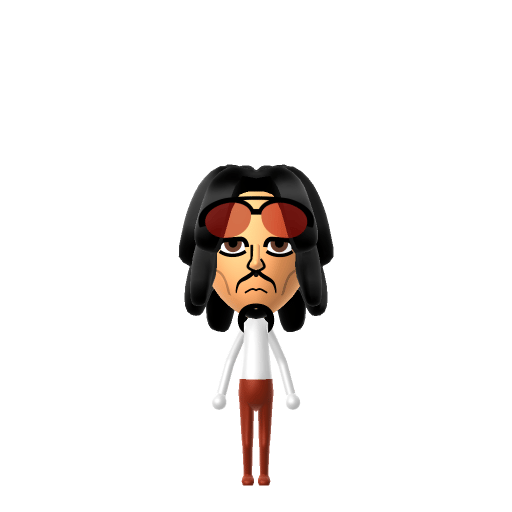
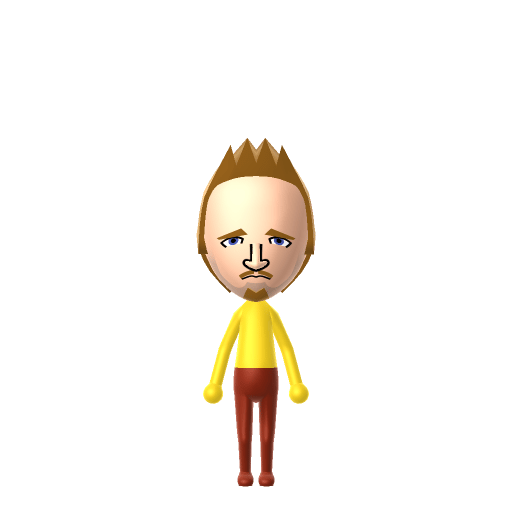
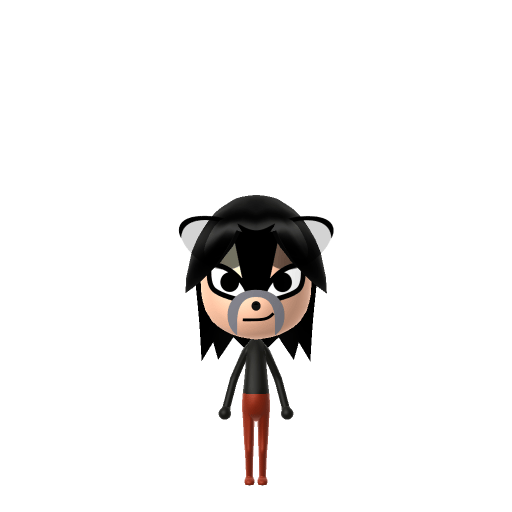
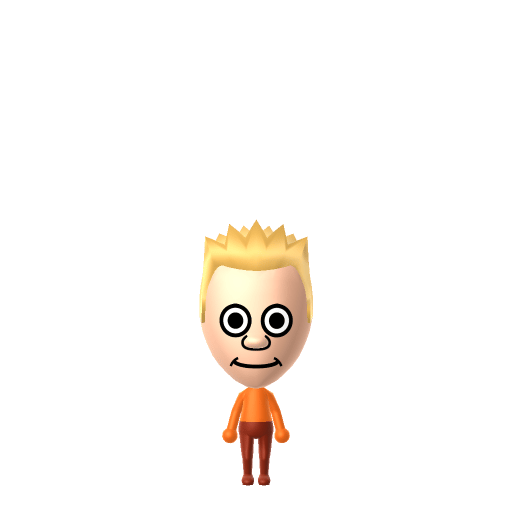
Character File
The Joker is a supervillain appearing in DC Comics, created by Bill Finger, Bob Kane, and Jerry Robinson. He first appeared in the debut issue of Batman in 1940 and is the archenemy of Batman.
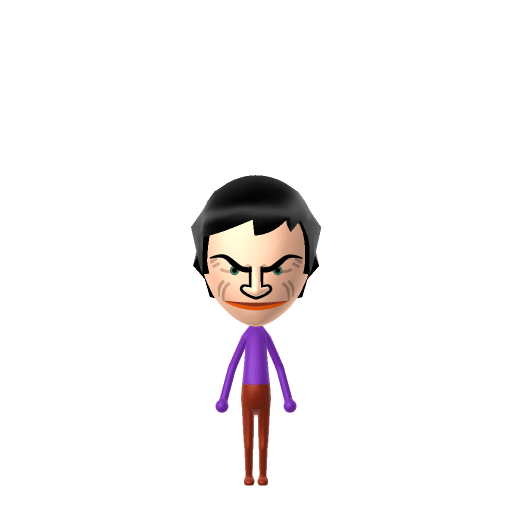
Why so serious? The Clown Prince of Crime.
The Joker is pure unpredictability — give your Joker Mii a high, manic voice on LTD's voice sliders so his giggle unsettles the rest of your island residents.
The Joker is a supervillain appearing in DC Comics, created by Bill Finger, Bob Kane, and Jerry Robinson. He first appeared in the debut issue of Batman in 1940 and is the archenemy of Batman.
A determined self-starter who removes every obstacle in their path. Highly driven, autonomous, and unstoppable.In Tomodachi Life, set this Mii's sliders so Speech + Movement totals 12–15 and Thinking + Energy totals 0–3. See the full Maverick guide →
Why this fitsThe Joker is defined by unpredictability — loud entrances, chaotic schemes, no clear rules. That theatrically disruptive profile fits Maverick (high Speech + Movement, low Thinking + Energy).
To make a Joker Mii in Tomodachi Life: Living the Dream, open Mii Maker and pick chaotic green hair, pale white skin tone, sharp eyes, and an exaggerated red painted-on smile to capture the Clown Prince of Crime's signature look. The picker-by-picker walkthrough below works for both Nintendo Switch (LTD) and 3DS (original Tomodachi Life).
Use the system Mii Maker, then bring the Mii into Tomodachi Life: Living the Dream.
Diagrams show where the option sits in the Mii Maker picker (4 columns, scroll to reach later rows). Editor menus differ slightly between regions and console revisions — if an exact option is missing, pick the closest one.
The Joker's full appearance as a Mii Studio data string. Drop it into Mii rendering tools or community Mii editors that accept Studio codes (it's not a console import — for the game itself use the steps above).
080000030d020212050f030807050f01110000000b08000800000408003e500800060e031306050f00001004090b
This is a 3DS-format Mii QR code generated from The Joker's Mii data. On a Nintendo 3DS, open Mii Maker → QR Code / Image Options → Scan QR Code and point the camera at it, then bring the Mii into the original Tomodachi Life. The Switch / Switch 2 has no camera, so it can't scan Mii QR codes — for Tomodachi Life: Living the Dream use the step-by-step instructions above (or the online Mii creator).
Download QR codeBleached chalk-white skin & carved red grin
Mii Maker's skin tones don't go fully chalk-white and there's no painted-on grin, so the closest read is the palest skin tone, bright green hair and the widest red smiling mouth.
His purple suit
Mii Maker has no costume parts, so recreate the purple long-tailed suit with LTD's in-game clothing rather than the Mii editor.
Build cheat-sheet
Feature → the move to make in Mii Maker
Pick the palest skin tone Mii Maker offers to approximate his bleached, chalk-white face.
Choose a bright green hairstyle — his green hair is half the silhouette.
Go for the widest grinning mouth in the most saturated red, standing in for his permanent painted smile.
Set purple as the favourite colour and dress him in a purple suit with LTD's in-game clothing for the full Clown Prince look.
Batman
His archenemy and the yin to his yang — the Dark Knight he's defined himself against since 1940.
Harley Quinn
Dr. Harleen Quinzel, the Arkham psychiatrist who became his obsessive on-off accomplice — created for Batman: The Animated Series in 1992.
Recreate Batman as his own Mii and house him near your Joker Mii to set up the rivalry on your island — but Tomodachi Life: Living the Dream won't stage their feud for you. Relationships there grow from proximity and shared time, and romance runs on dating preferences and zodiac compatibility, so whatever drama unfolds is down to how you play.
The Joker first appeared in Batman #1 (1940), created by Bill Finger, Bob Kane and Jerry Robinson — though the credit for who created him was disputed between them for decades.
His grinning look was inspired by actor Conrad Veidt's perpetually-smiling face as Gwynplaine in the 1928 silent film The Man Who Laughs.
He has no fixed origin or canonical real name — in The Killing Joke he says he prefers his past "to be multiple choice."
He's been played by a who's-who of actors — Heath Ledger and Joaquin Phoenix each won Academy Awards for the role — and voiced by Mark Hamill since 1992.
A Maverick-type Joker is the island's agent of chaos — high on Speech and Movement, theatrical, loud and impossible to predict. Mavericks shake up the room, so the comedy is in dropping him among your most orderly residents and watching the sparks. He rooms most easily with other big, similar personalities, which is what LTD's roommate harmony rewards. His relationships can't be scripted, though: who a Mii bonds with in Tomodachi Life: Living the Dream runs on proximity, dating preferences and birthday/zodiac compatibility — never personality — so recreate Batman nearby and let the island write the next chapter.
Use the palest skin tone, bright green hair, sharp eyes and the widest red grinning mouth, then dress him in a purple suit with LTD's in-game clothing. Mii Maker can't do true chalk-white skin or a painted grin, so you approximate — follow the picker-by-picker steps above for Switch (LTD) or 3DS.
Only approximately. Mii Maker's skin tones don't reach his bleached chalk-white and there's no painted-on smile, so the palest skin, green hair and the biggest red mouth are the closest the editor gets to the Clown Prince of Crime.
Yes, if you want the rivalry — build Batman as his own Mii and house him near the Joker. LTD won't recreate their feud automatically, since relationships form from time spent together rather than canon, but having them both on the island sets the stage.
Maverick fits best — set high Speech + Movement with low-to-mid Thinking + Energy in the panel above. It matches his loud, theatrical, no-rules unpredictability on your island.
Sources: WikipediaCharacter facts are grounded in the source(s) above; Mii-Maker mapping is our own craft guidance.
Paste a Mii Studio code or upload a Mii QR image into the QR code Mii decoder to get this same step-by-step recreation guide for it.
Build a Mii from scratch in the online Mii creator, then bring its code here for rebuild steps.